
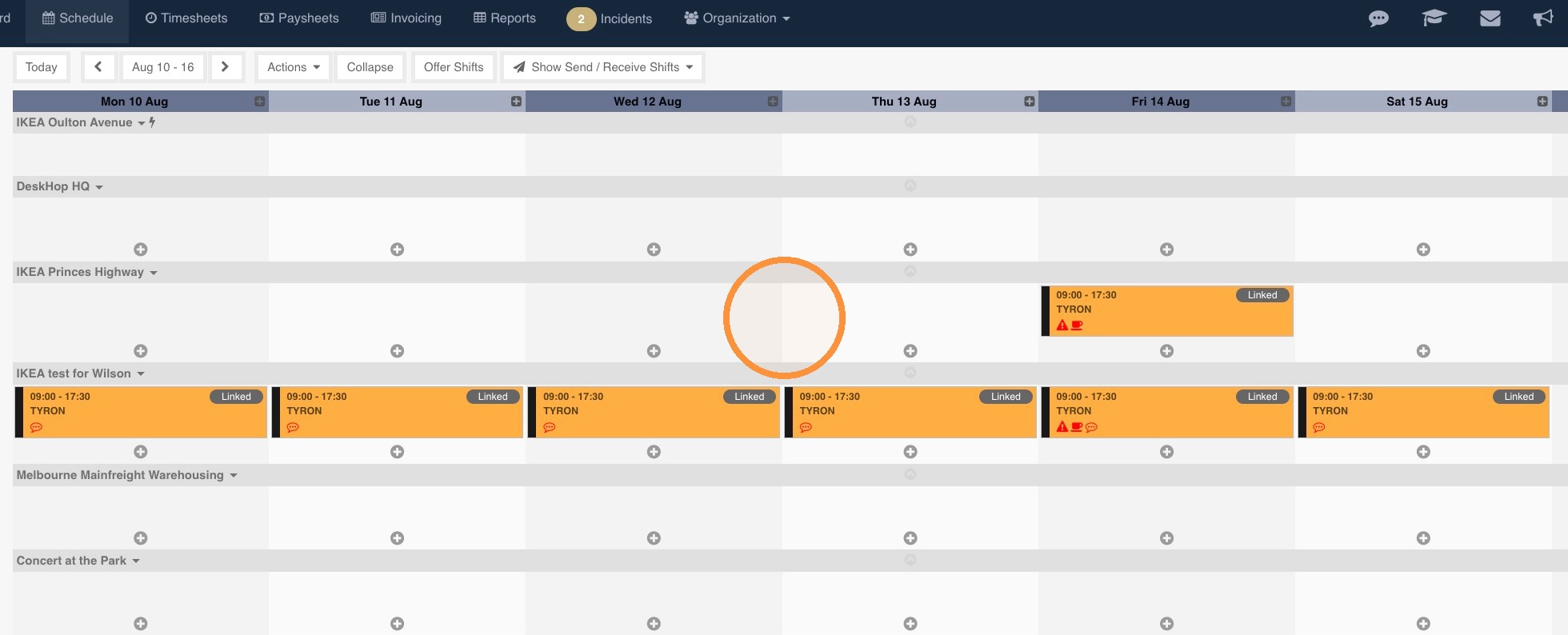
1. The top company creates linked shifts as normal and publishes them. These are published by the subcontractor.
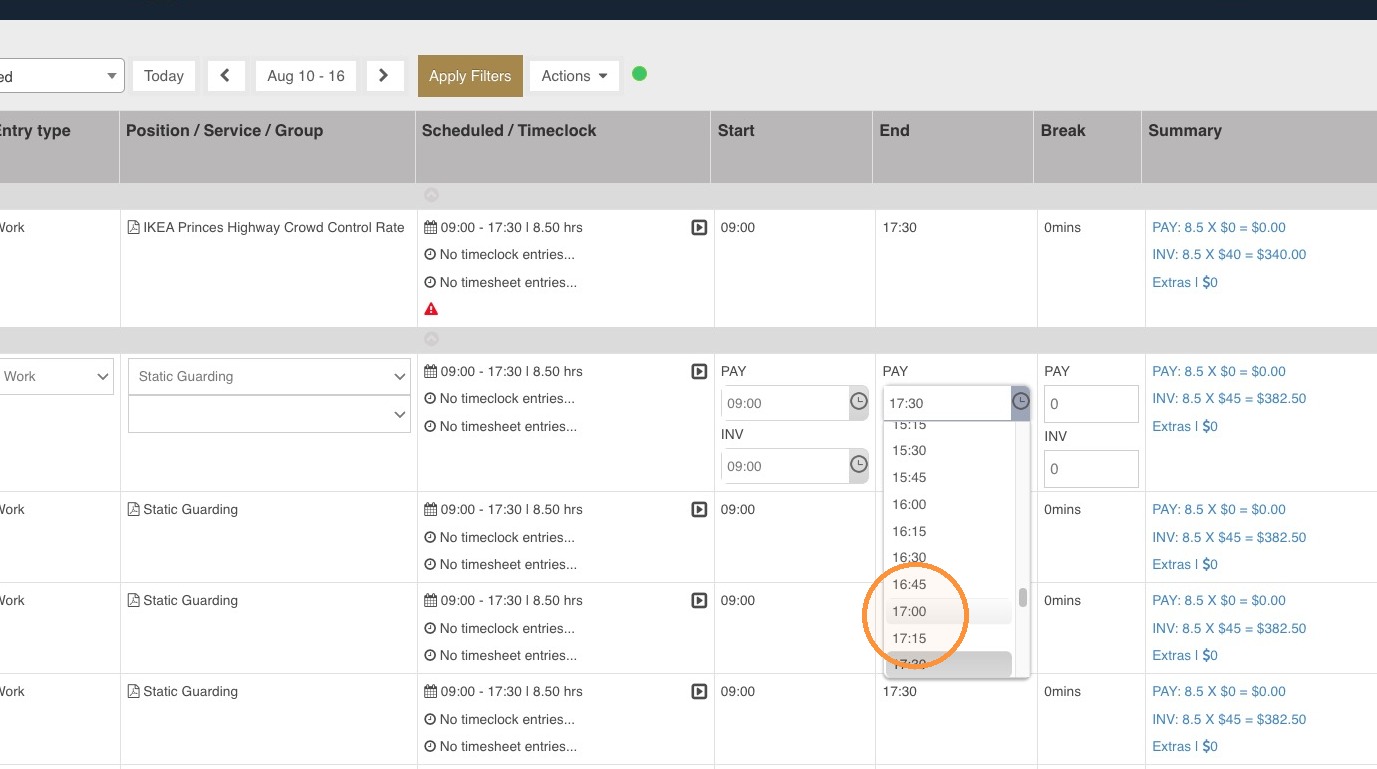
2. The top company approves timesheets as normal. They can adjust the start and end times of a shift as needed.
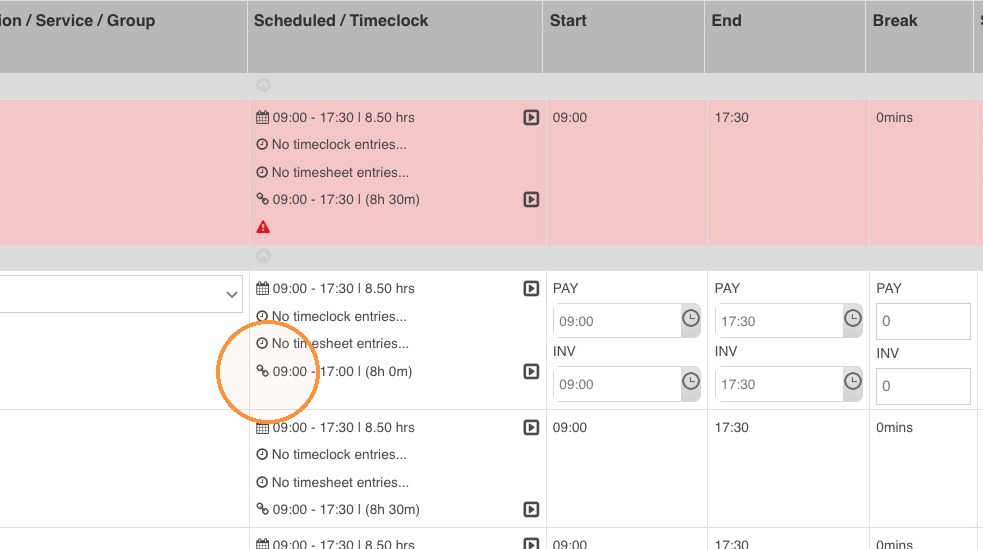
3. On the Subcontractor end, a new row will show on the Scheduled / Timeclock column showing the approved times by their top company.
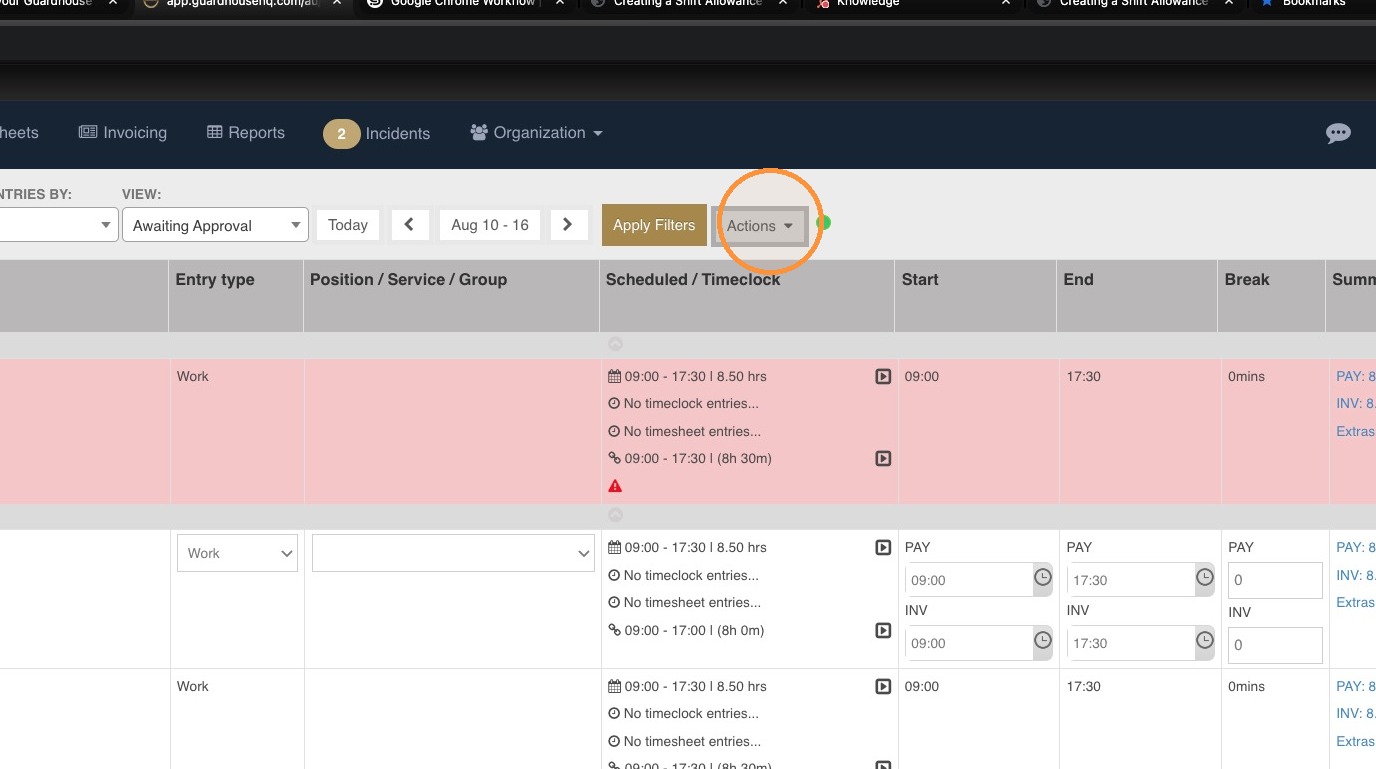
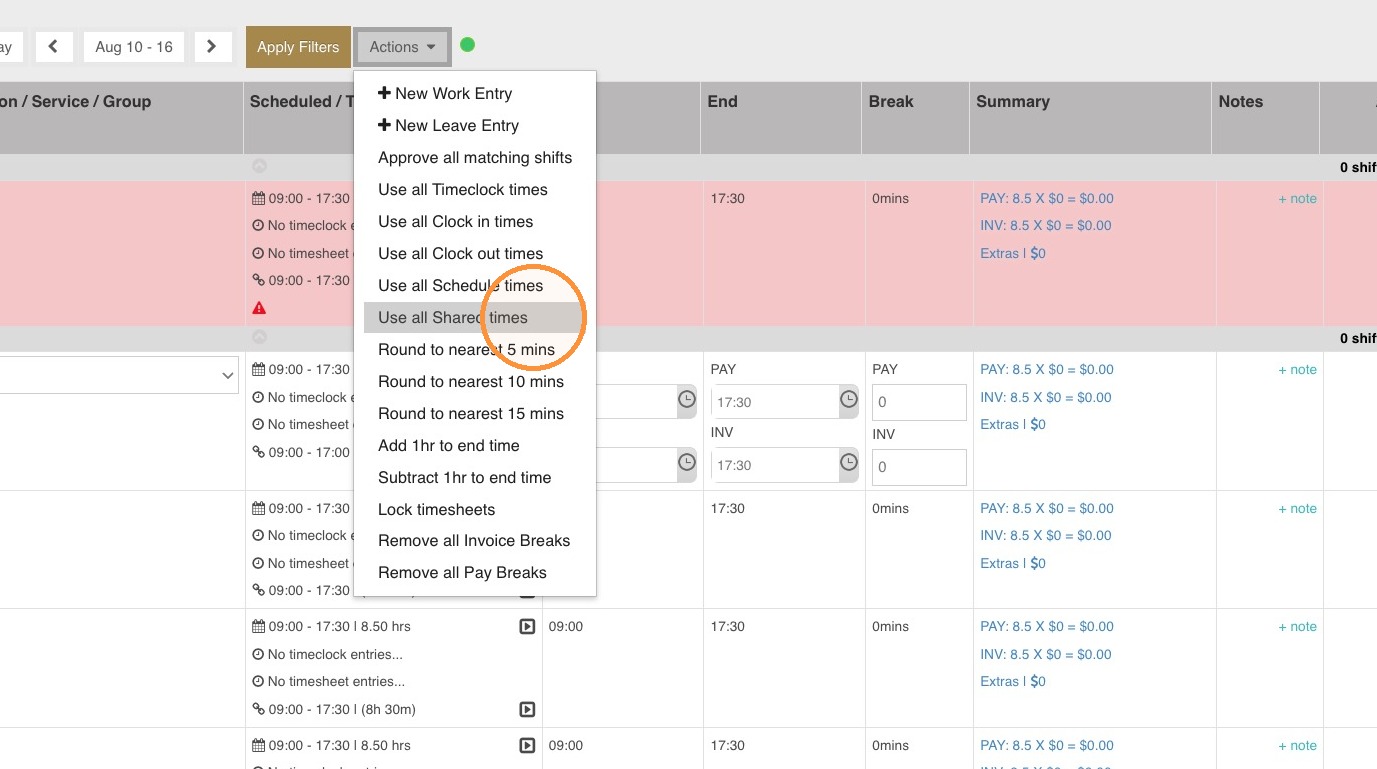
4. To use the approved times of the top company, go to Actions.
5. Choose the option Use all Shared times.
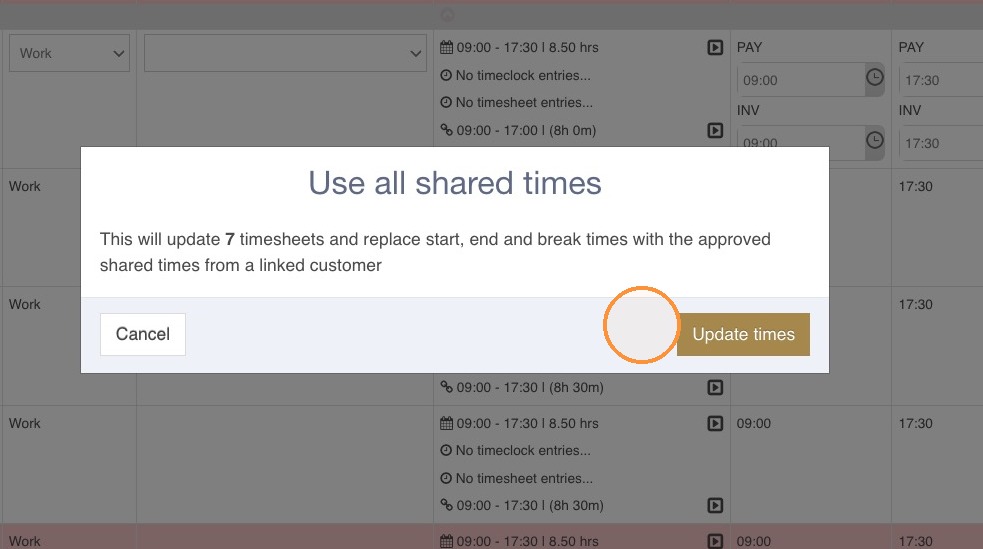
6. A widget will pop up to show the number of timesheets affected. To confirm the action, hit Update times.
7. The Start and End times will be updated based on the approved times by the top company.
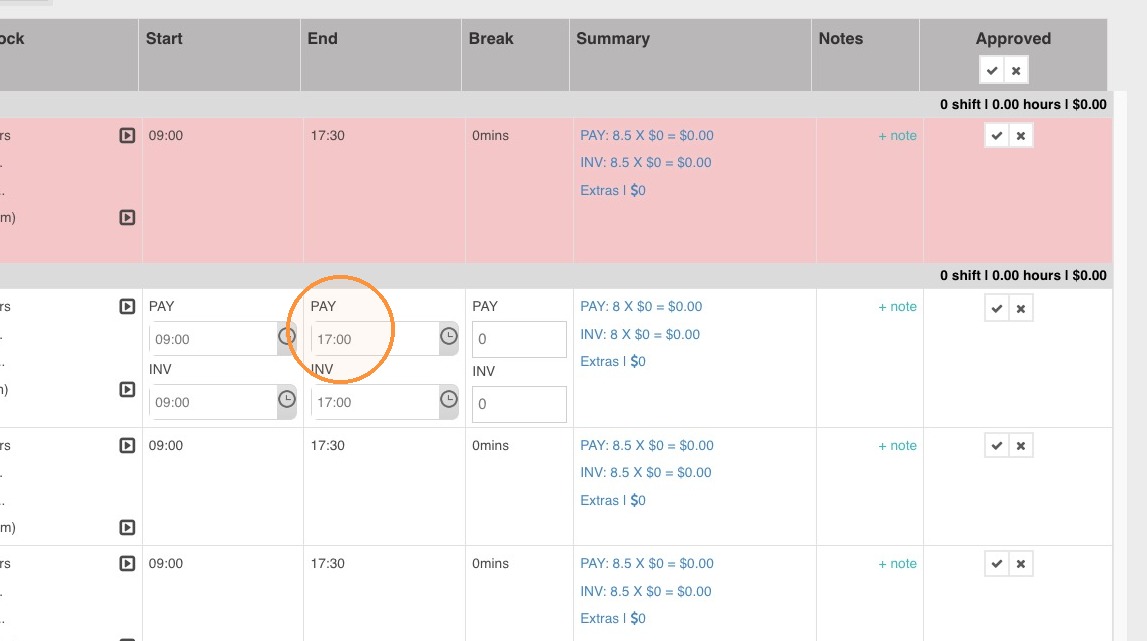
8. Approve the timesheets. The updated times will flow through the reports, payroll, and invoicing.