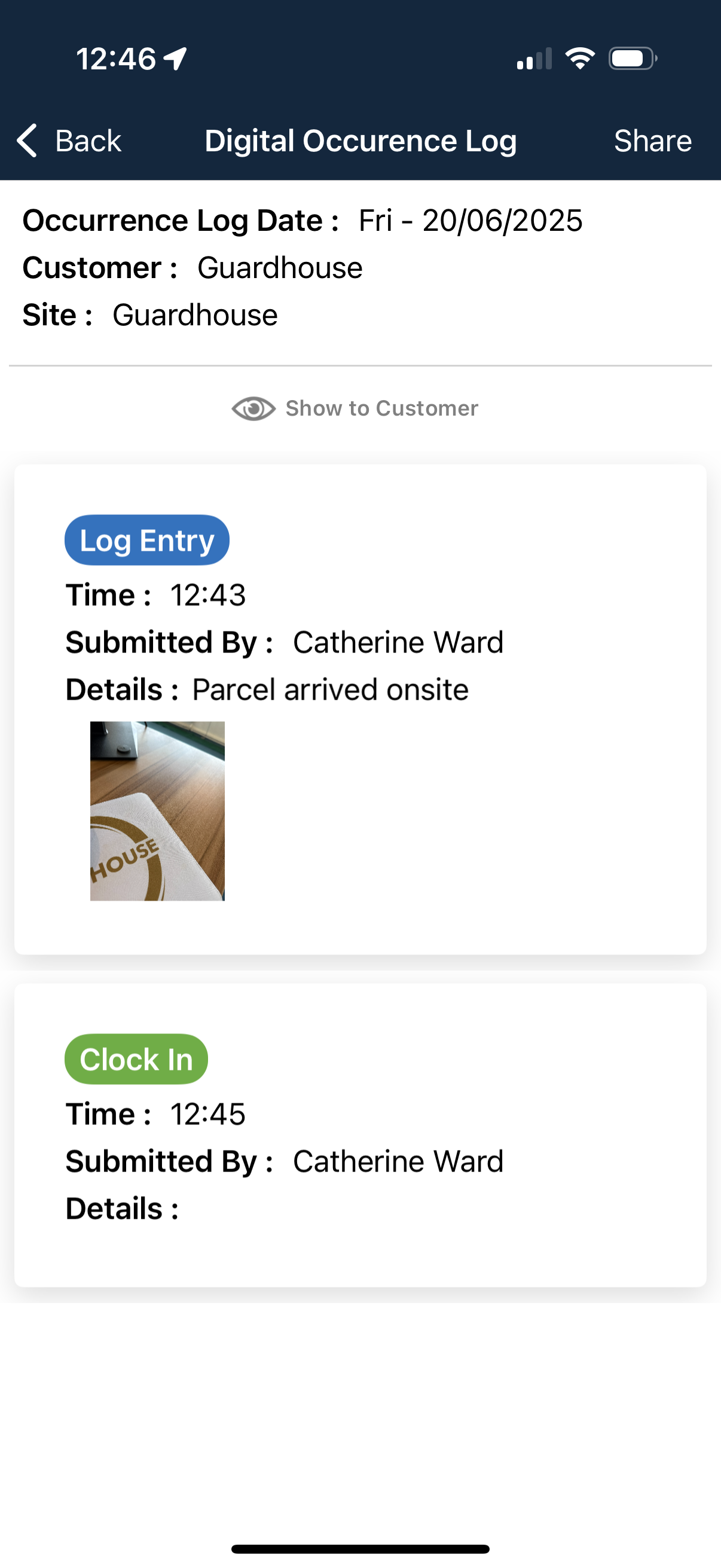
Digital Occurrence Logs (DOLs) run on a 24-hour window, 00:00 to 23:59, and automatically generate themselves. They will be triggered by a clock in or out, check call acknowledgment, tag scan, incident report submission or a log entry. You must be clocked in on site in order to make a log entry.
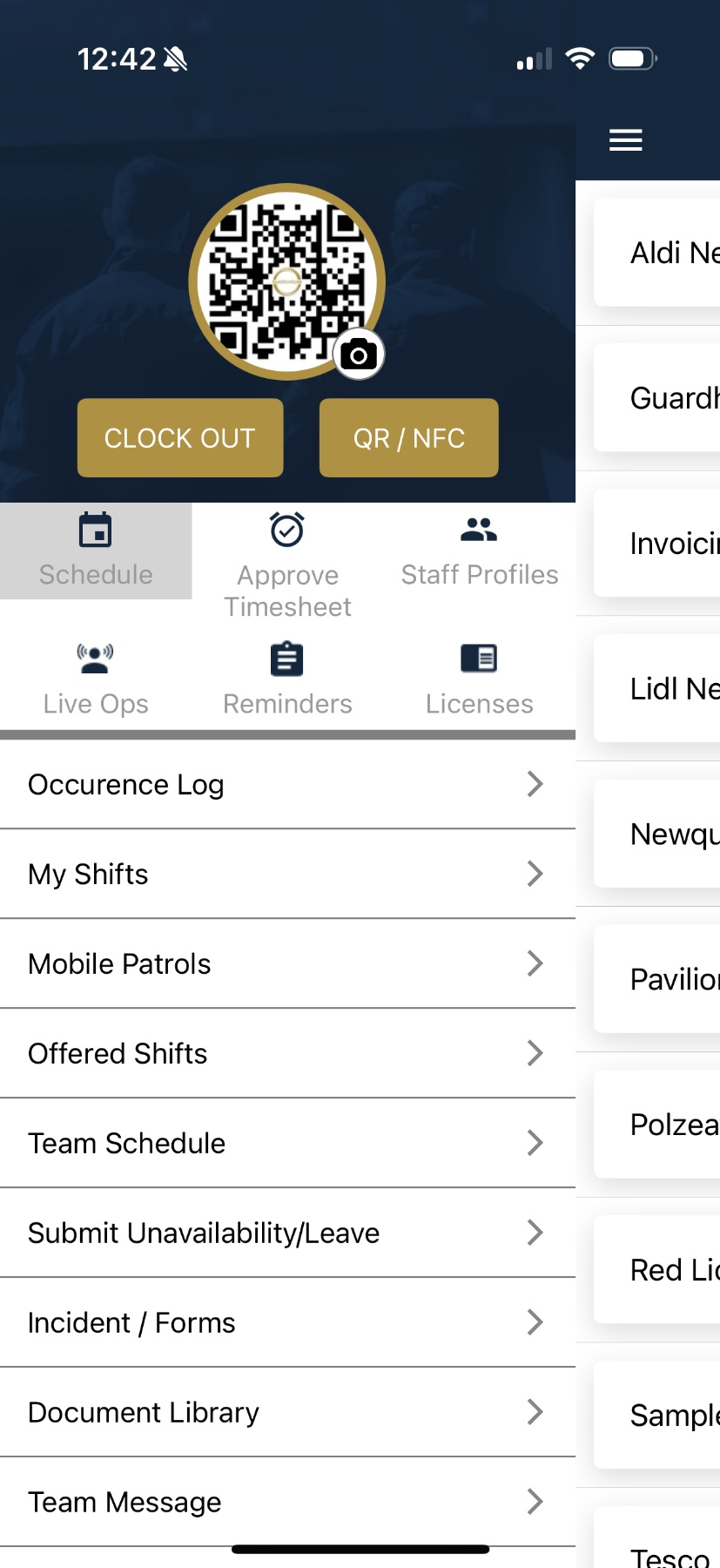
To make a log entry, click on ‘Occurrence Log’ in the taskbar on your app:
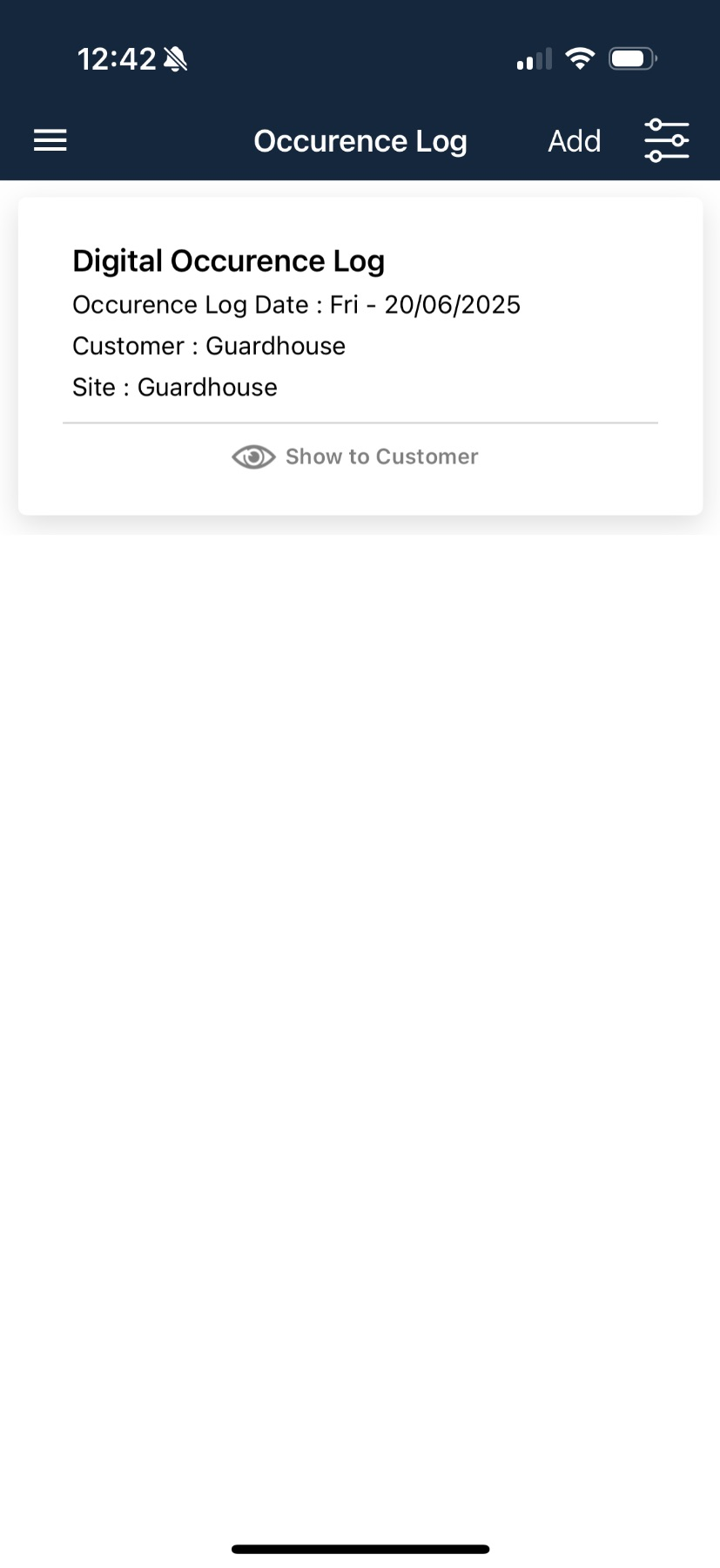
Click ‘Add’ to add a log entry:
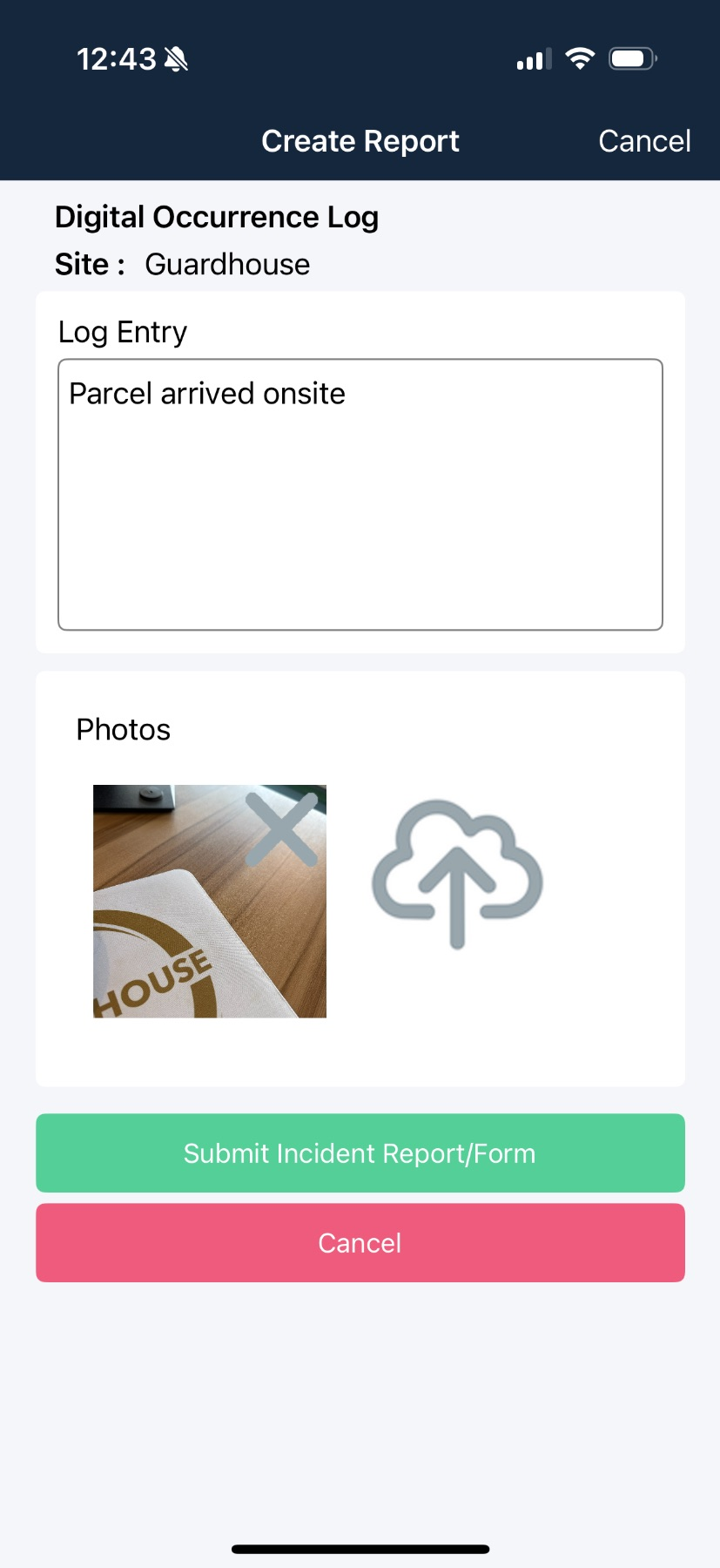
Click into the ‘Log Entry’ box and describe the occurrence - you can either type or use voice to text:
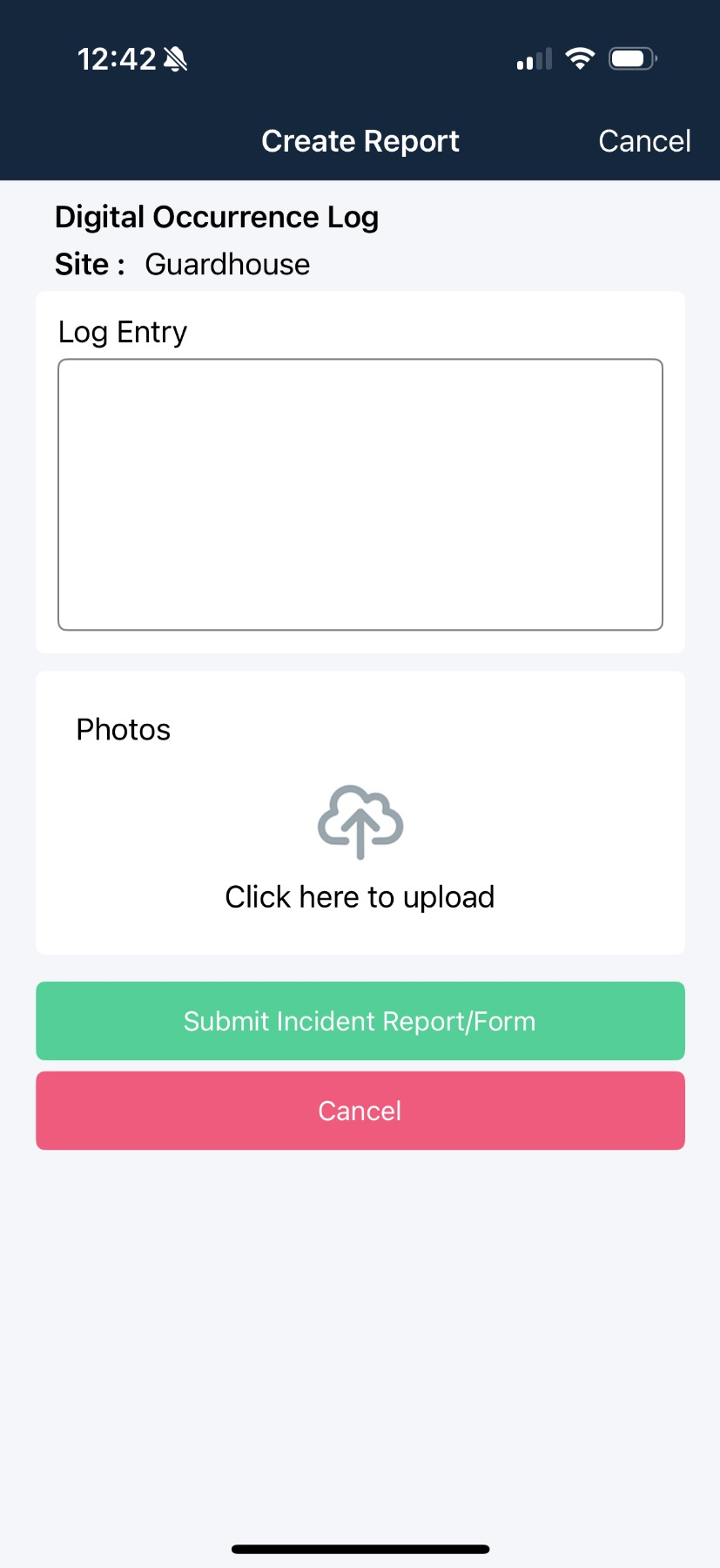
If you have an image of the occurrence, click into the ‘Photos’ box:
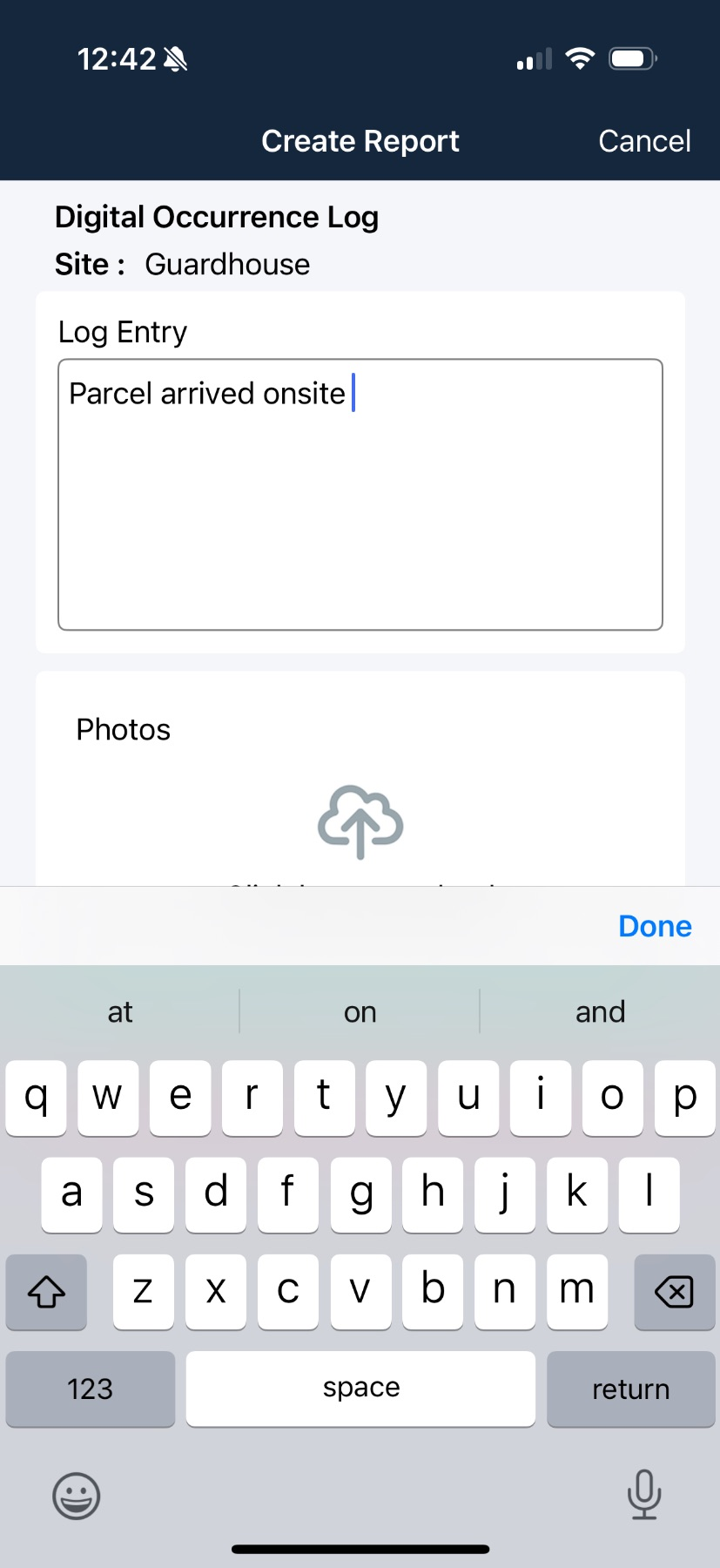
Tap ‘Add Image’:
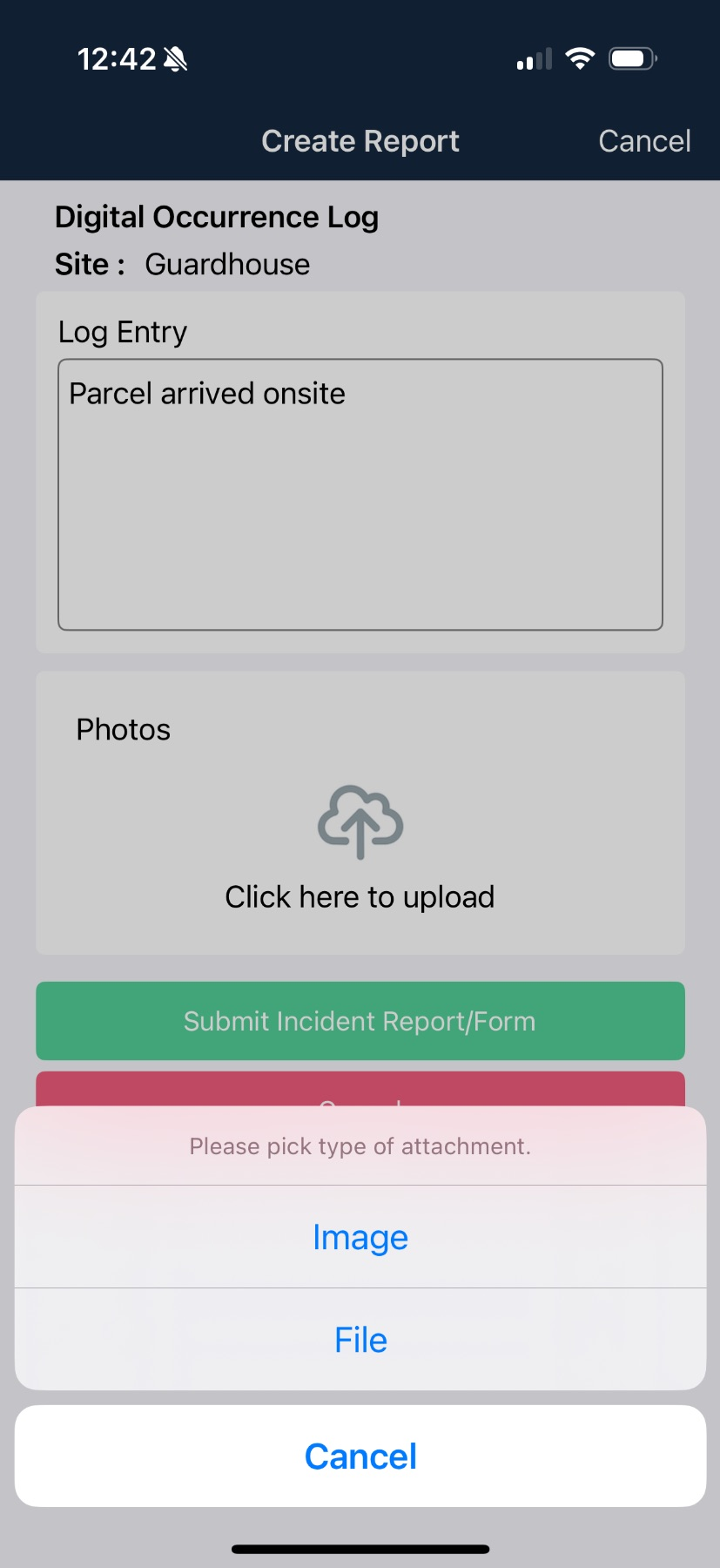
Select Gallery or Camera for your image:
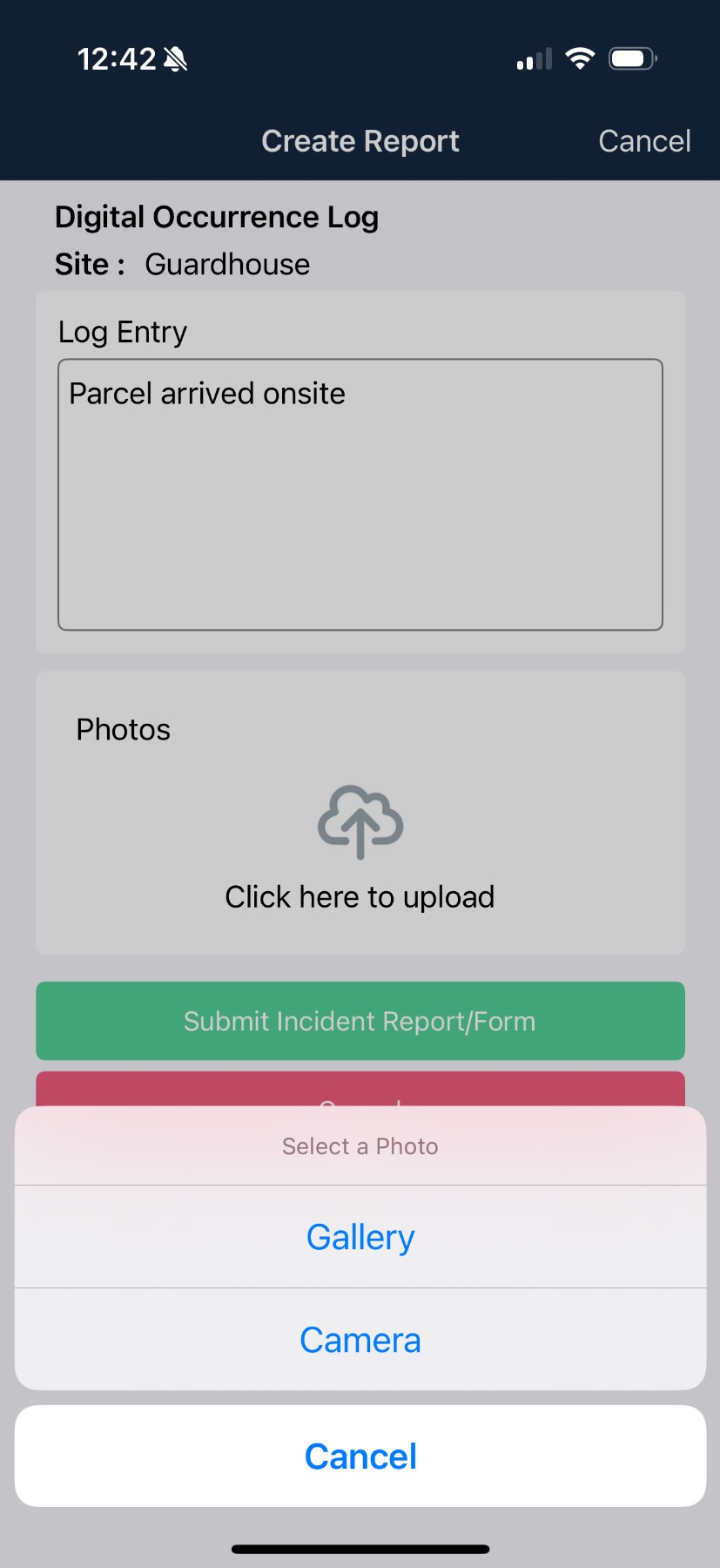
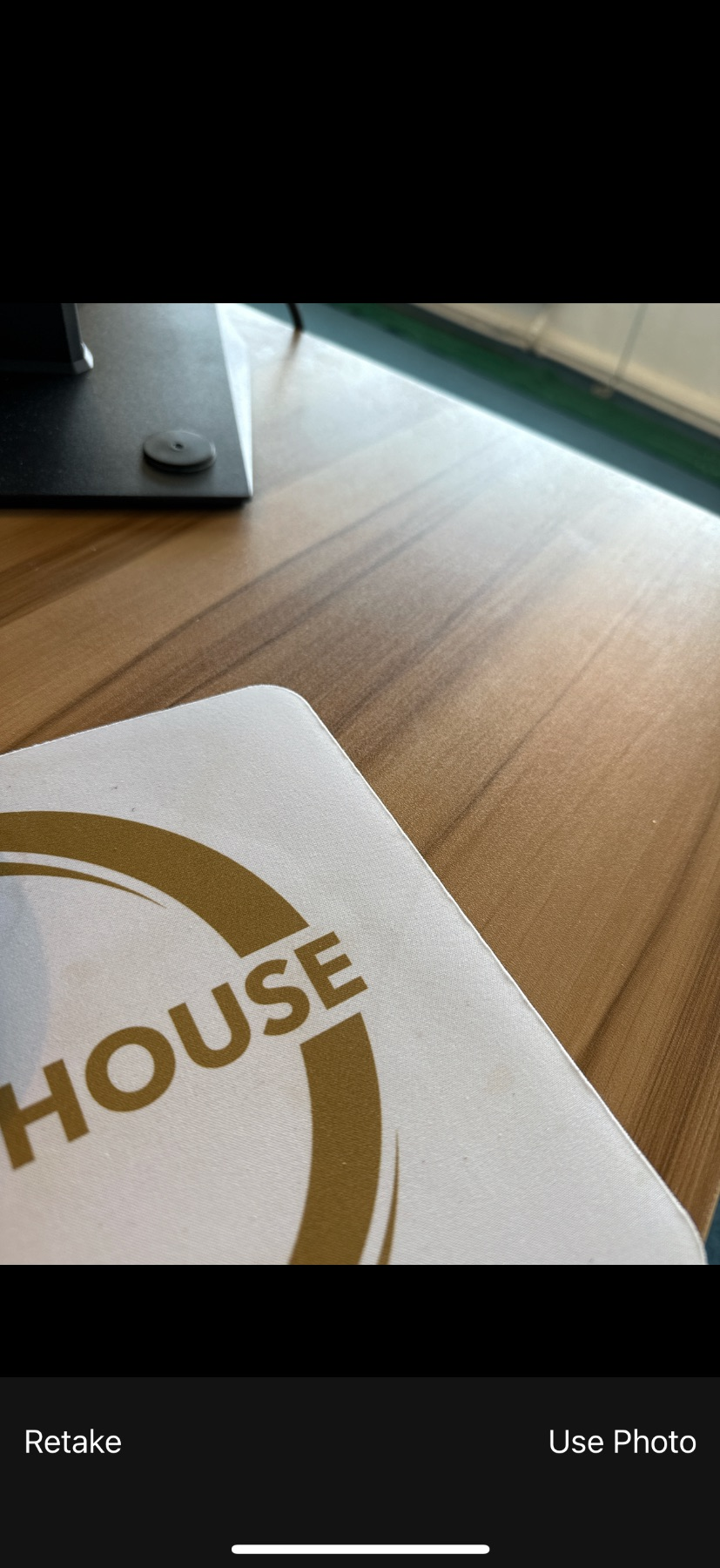
If using the Camera, take a photo of the image, or select from your Gallery:
Once your Log Entry is completed tap on the ‘Submit Incident Report/ Form’ to submit the record:
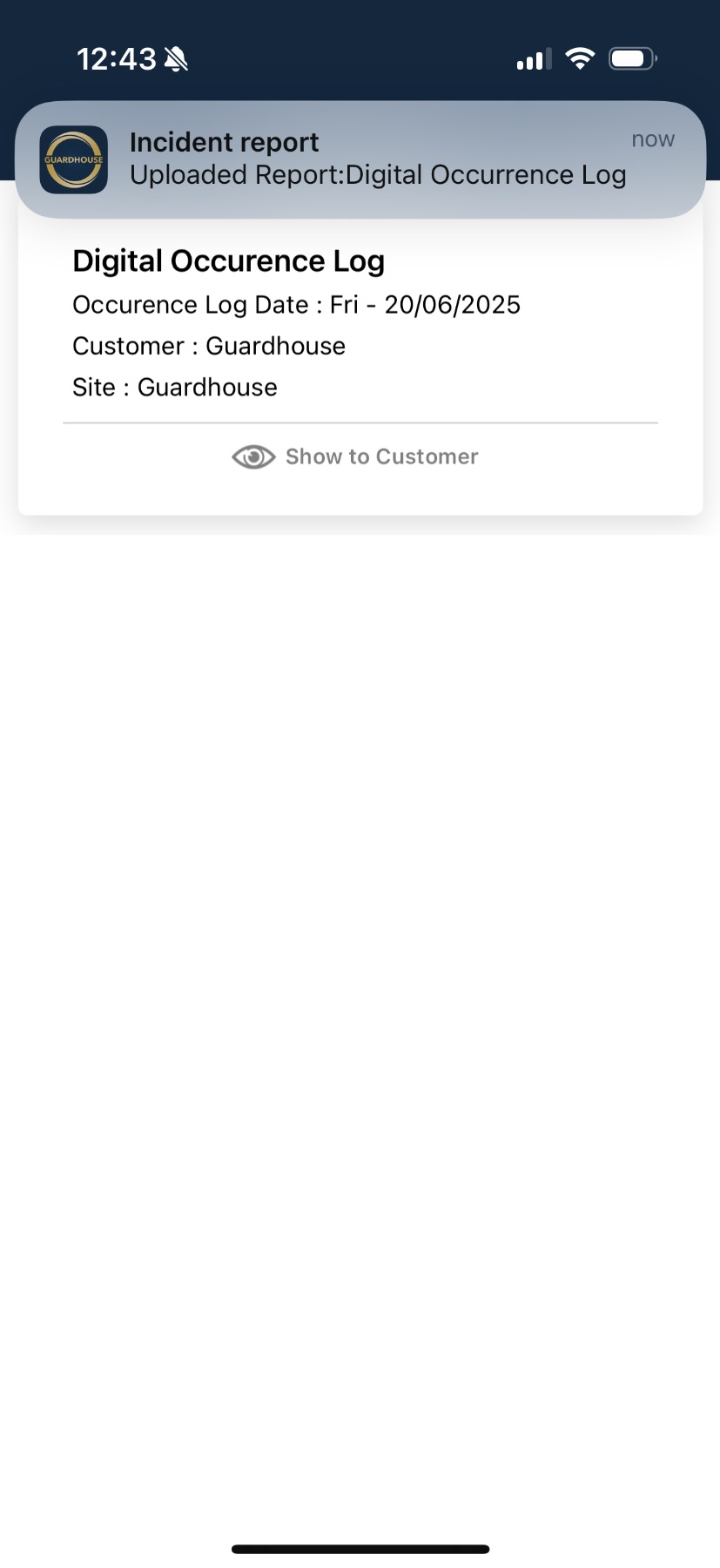
You will be notified once your Log Entry is successfully uploaded:
To see a copy of the Occurrence Log, click into today’s log:
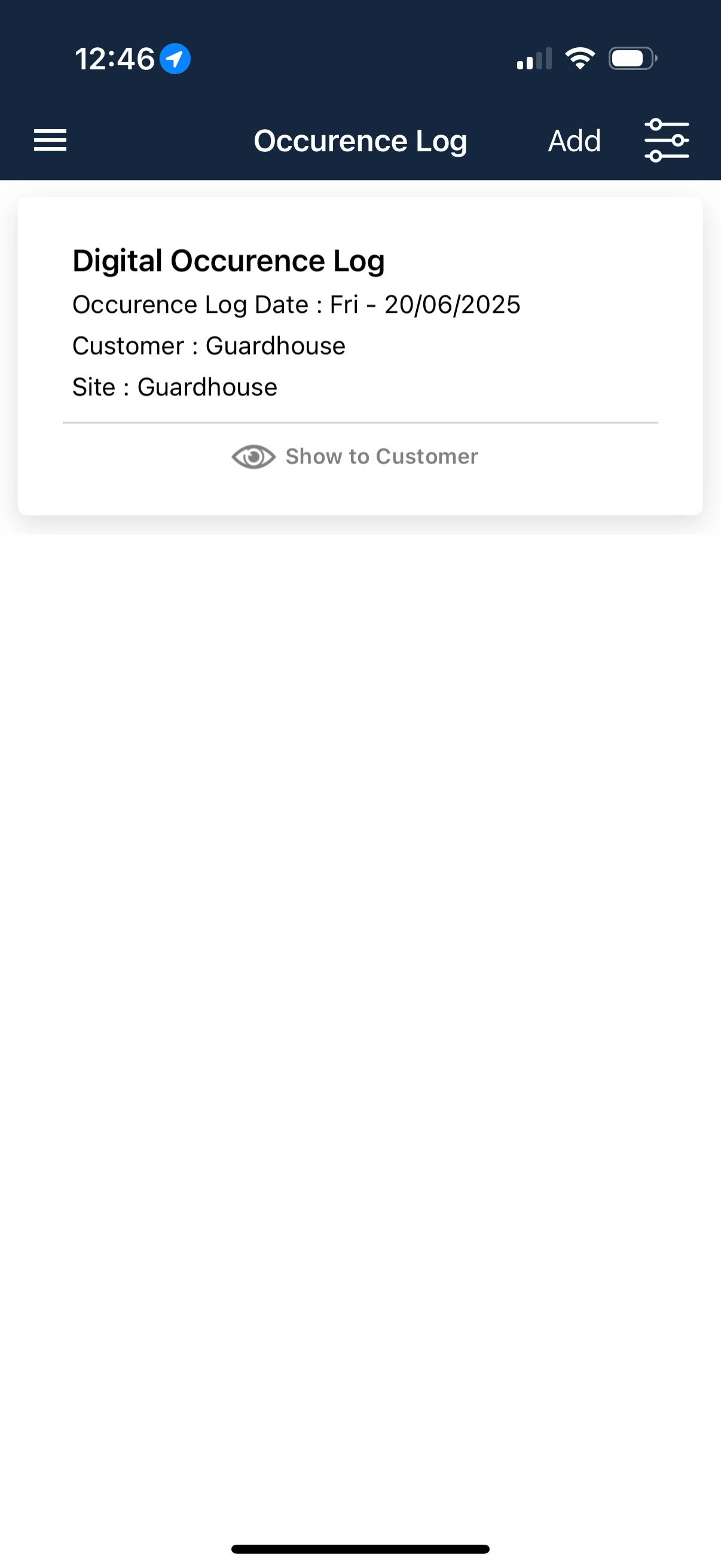
Here you will be able to see the day’s log entries from the site: