This feature needs to be enabled and set up by an Administrator under Organization > Company > Availability and Leave Requests for it to be available to the employees to see on their Guardhouse app.
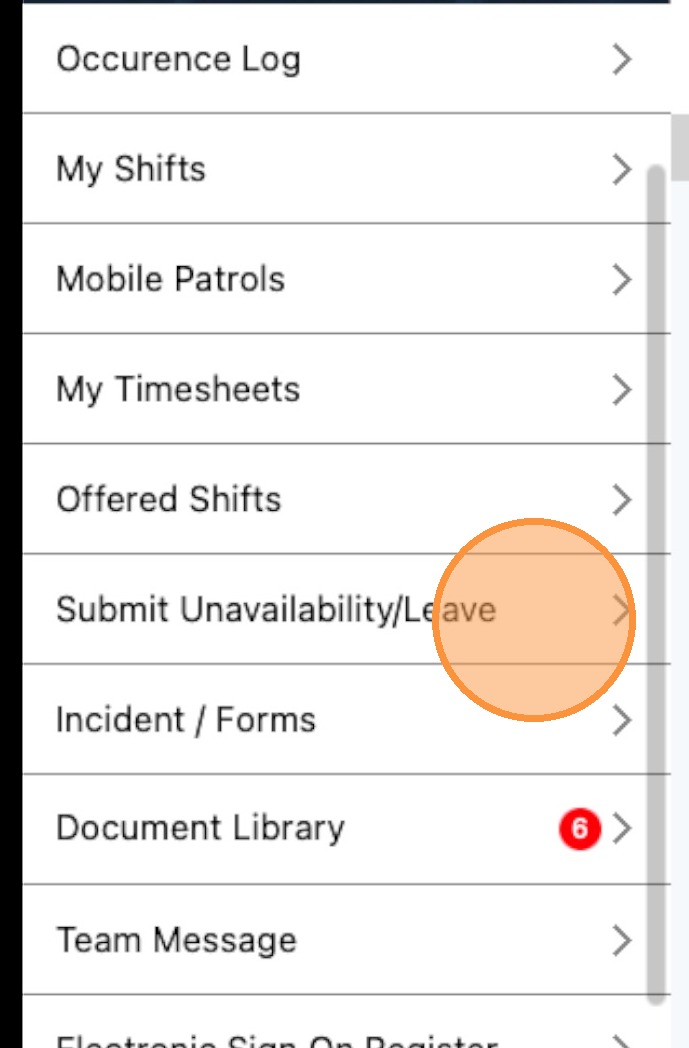
1. Click Submit Unavailability/Leave
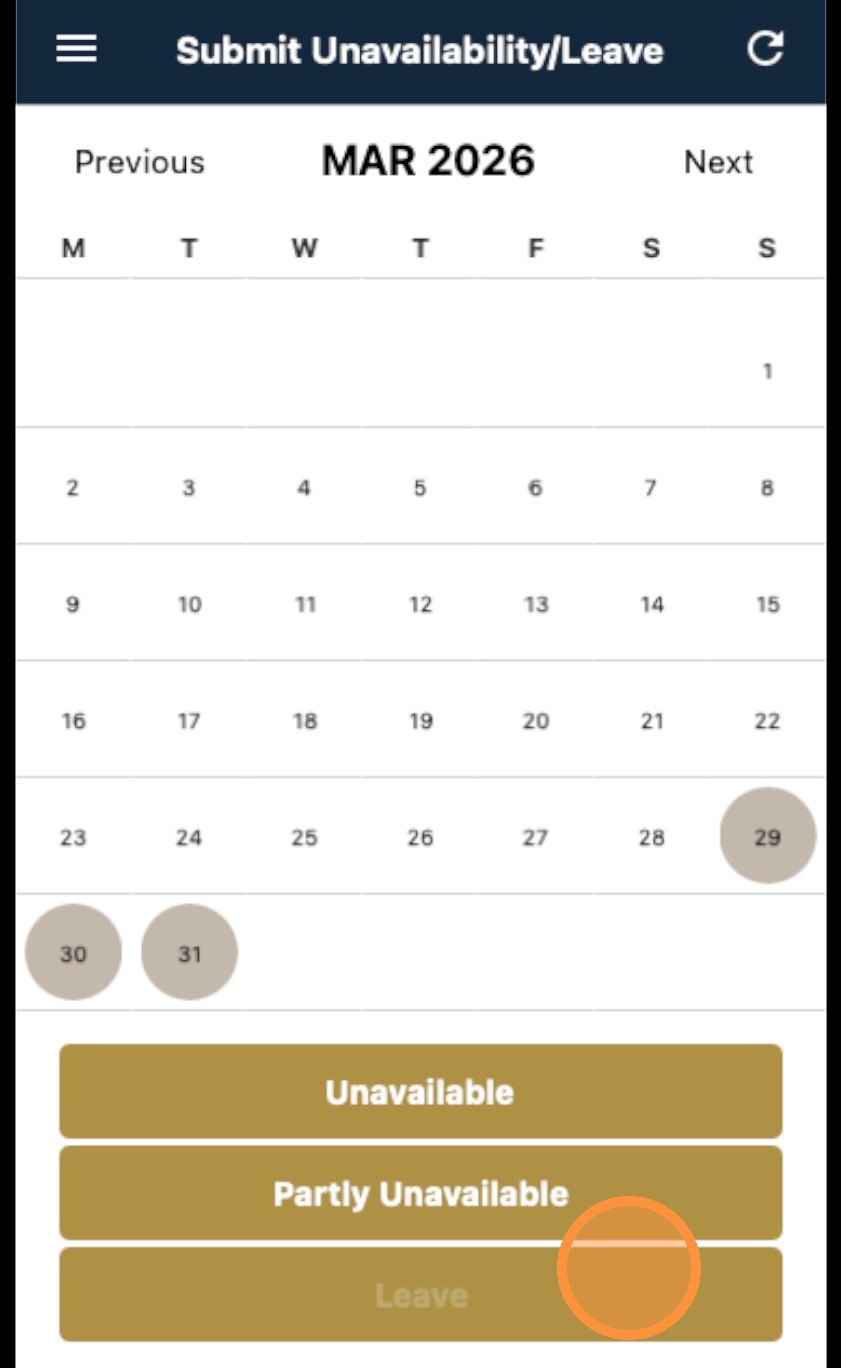
2. Choose the day/s that you will be unavailable or on leave. Chose from the options Unavailable, Partly Unavailable, or Leave
3. For leaves, add short description for the leave you're taking
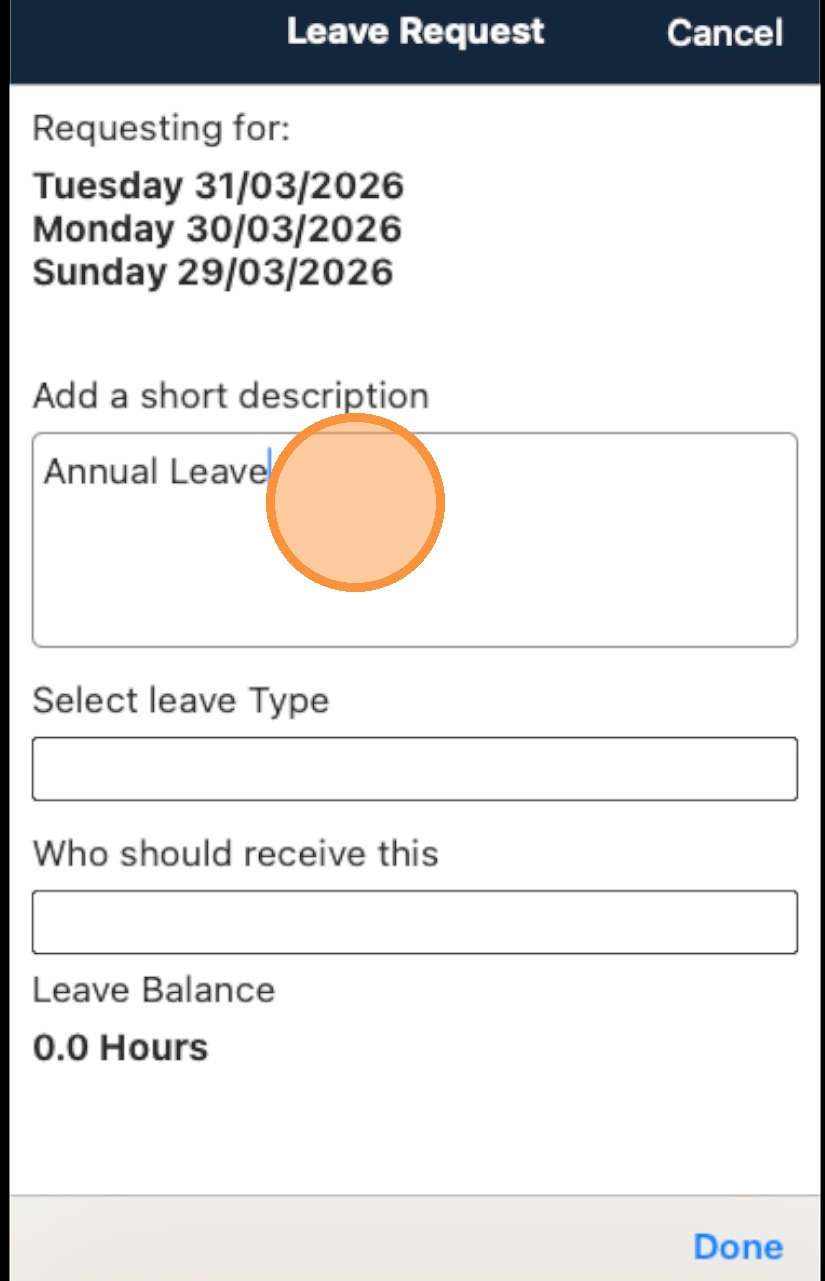
4. Select the leave type you're applying for.
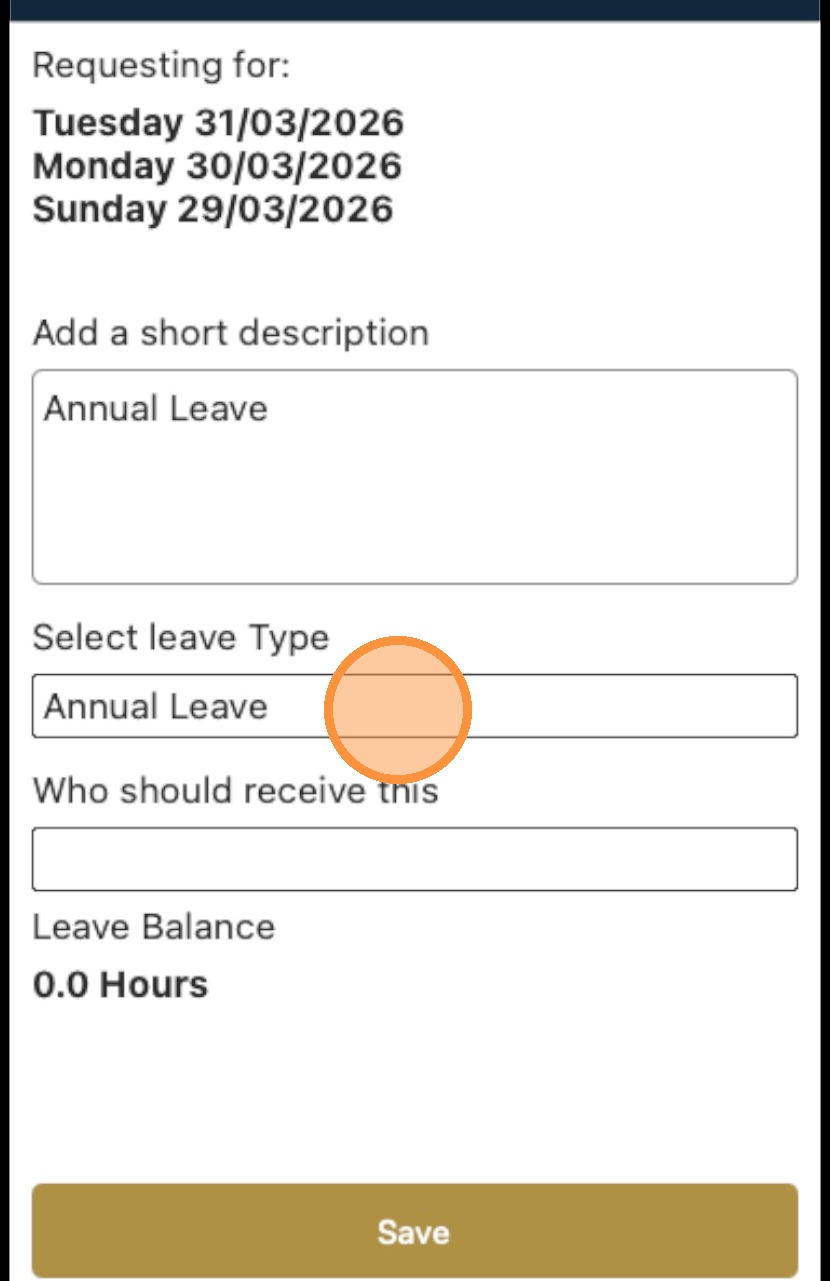
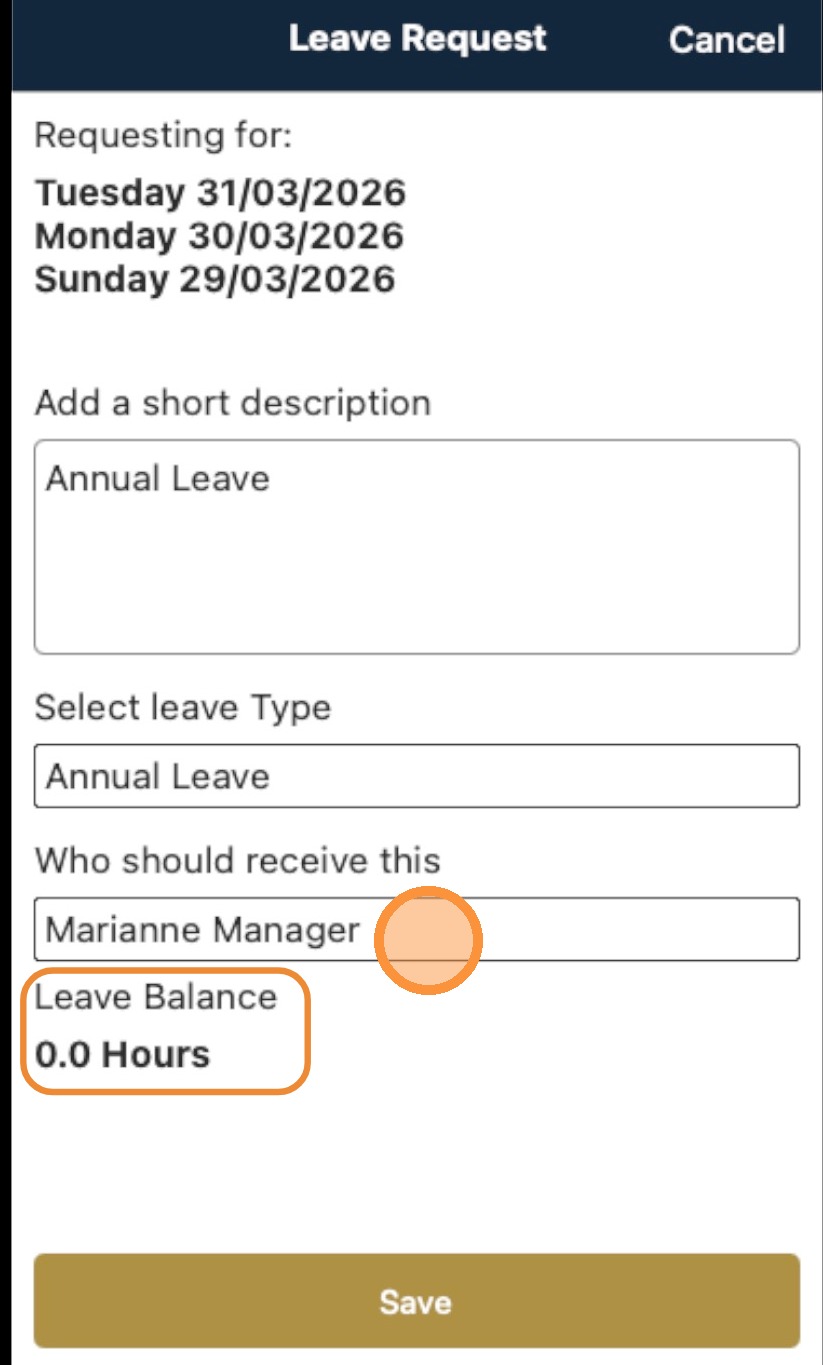
5. Select a manager or administrator to approve the leave.
NOTE: Leave Balance is available once set up by by administrator or manager.
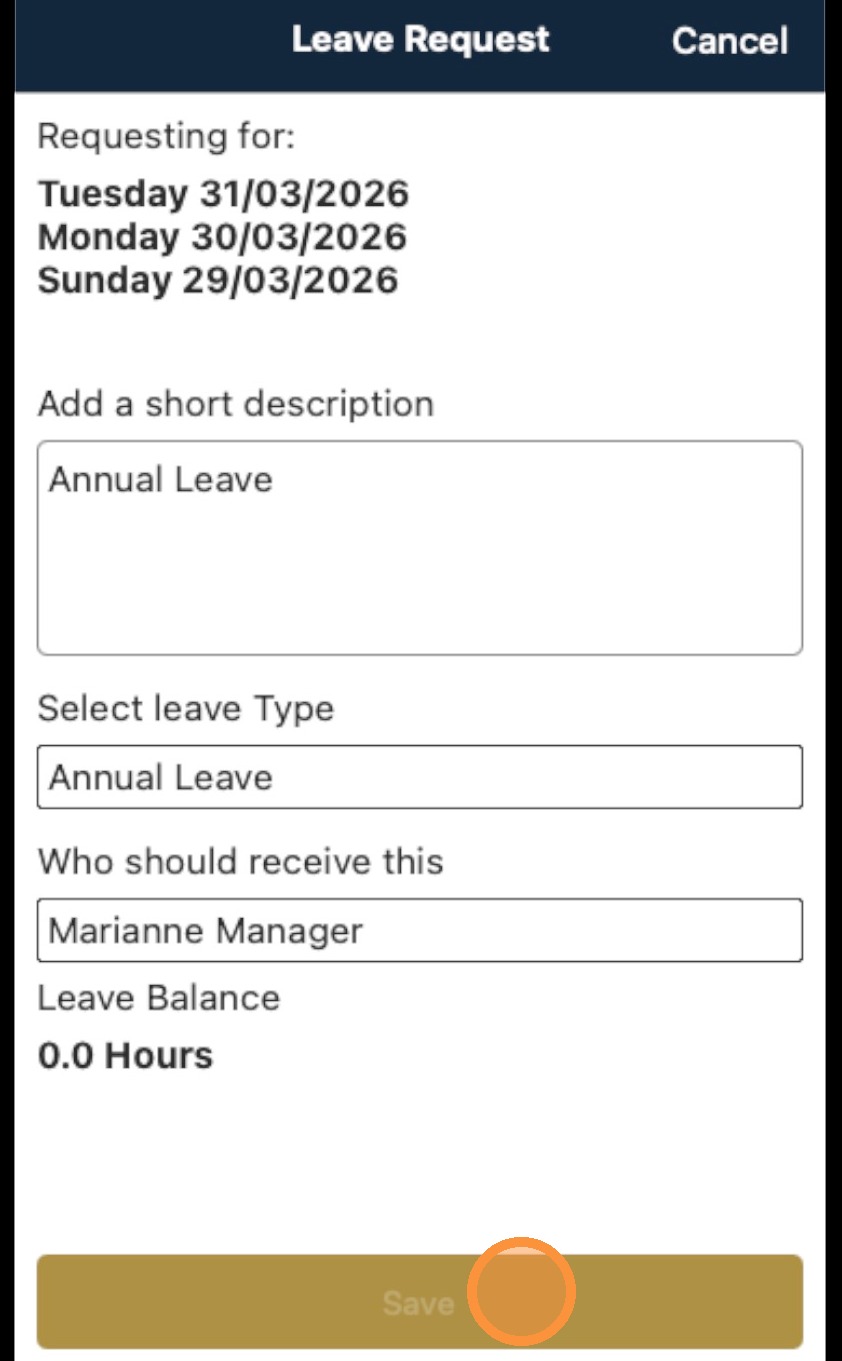
6. Click Save
7. Click the alert sheet
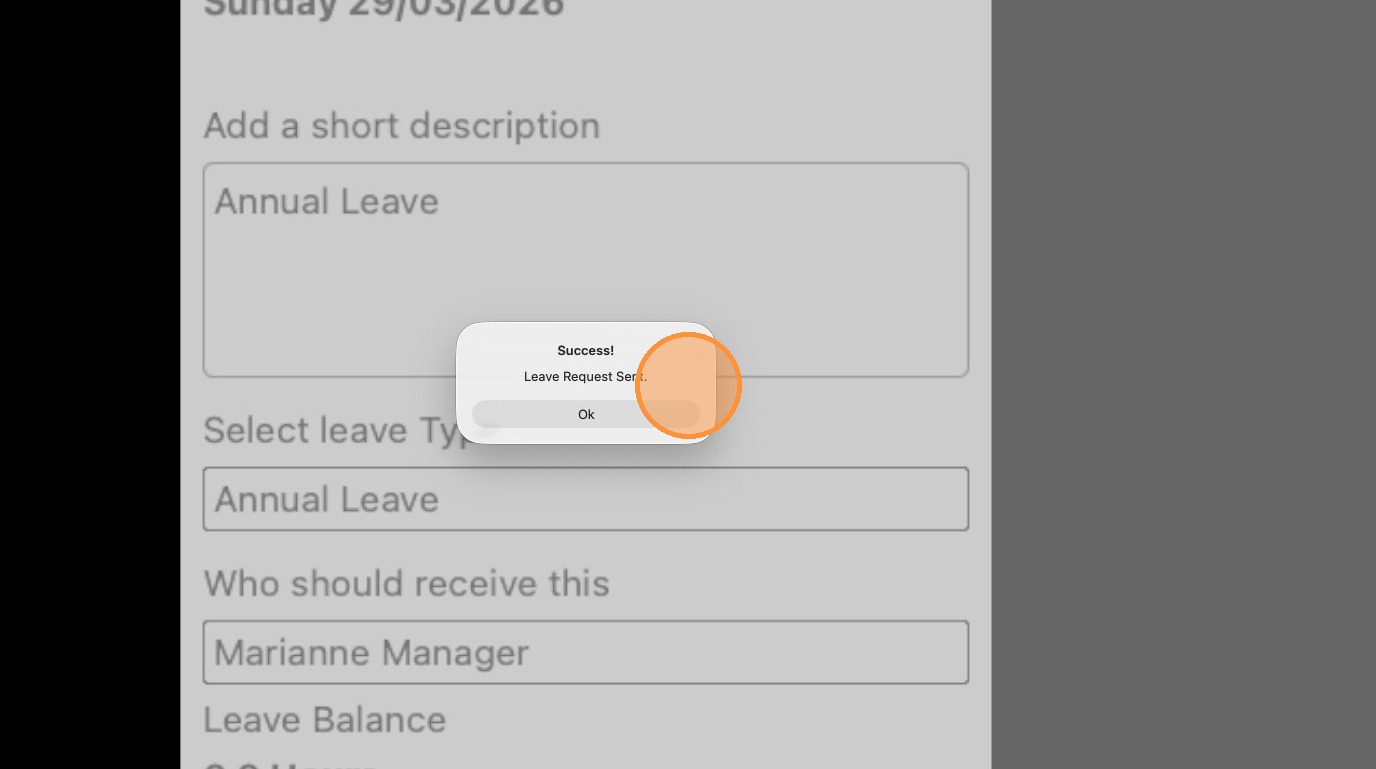
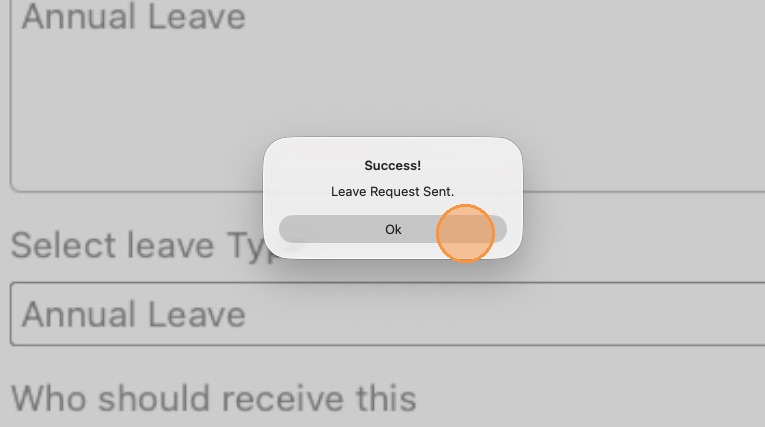
8. Click OK to finalize and send the unavailability or leave request for approval.