Creating an Allowance
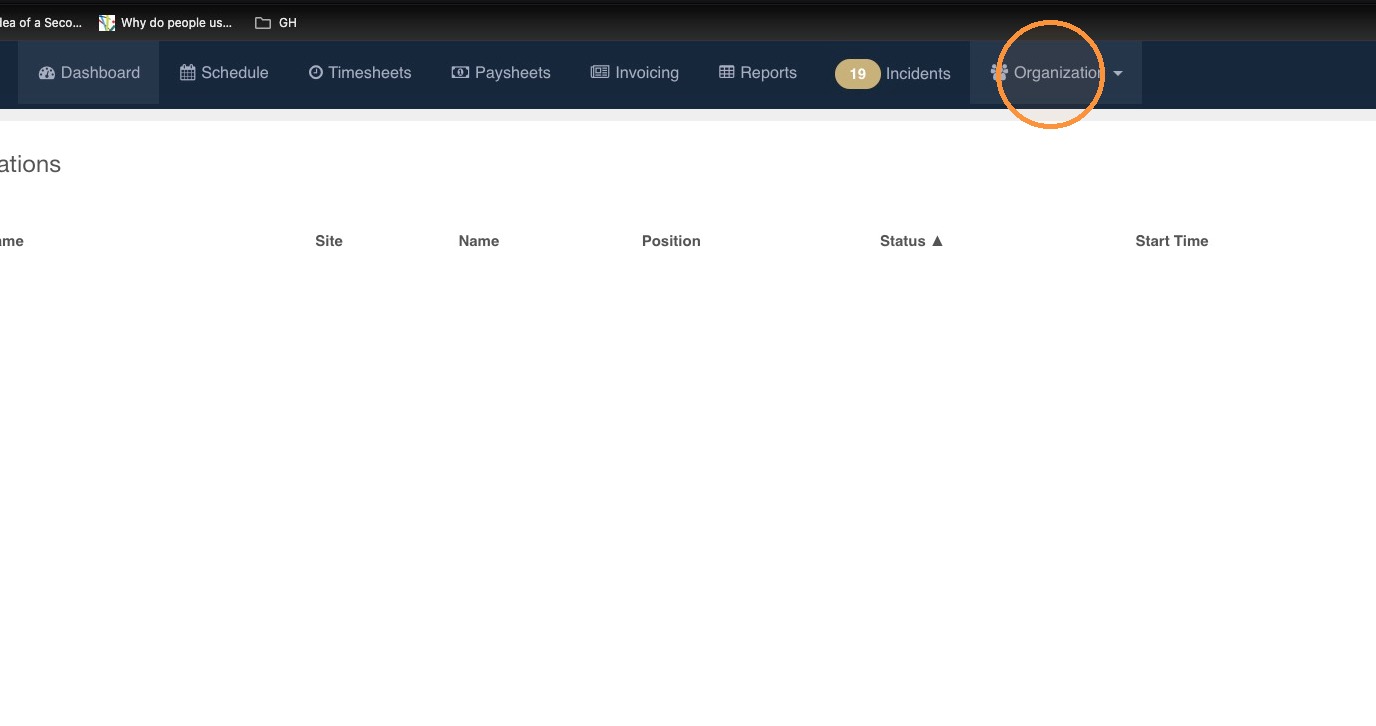
1. Open the Organization menu.
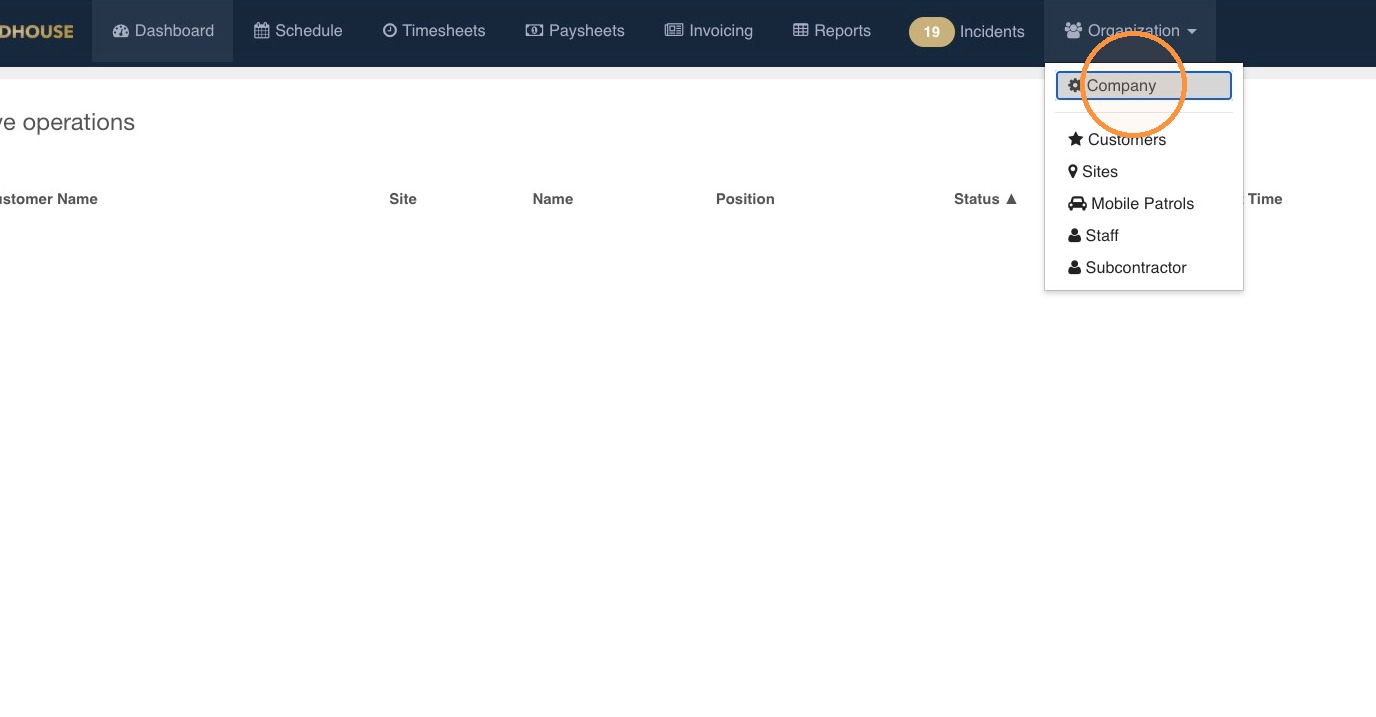
2. Select Company.
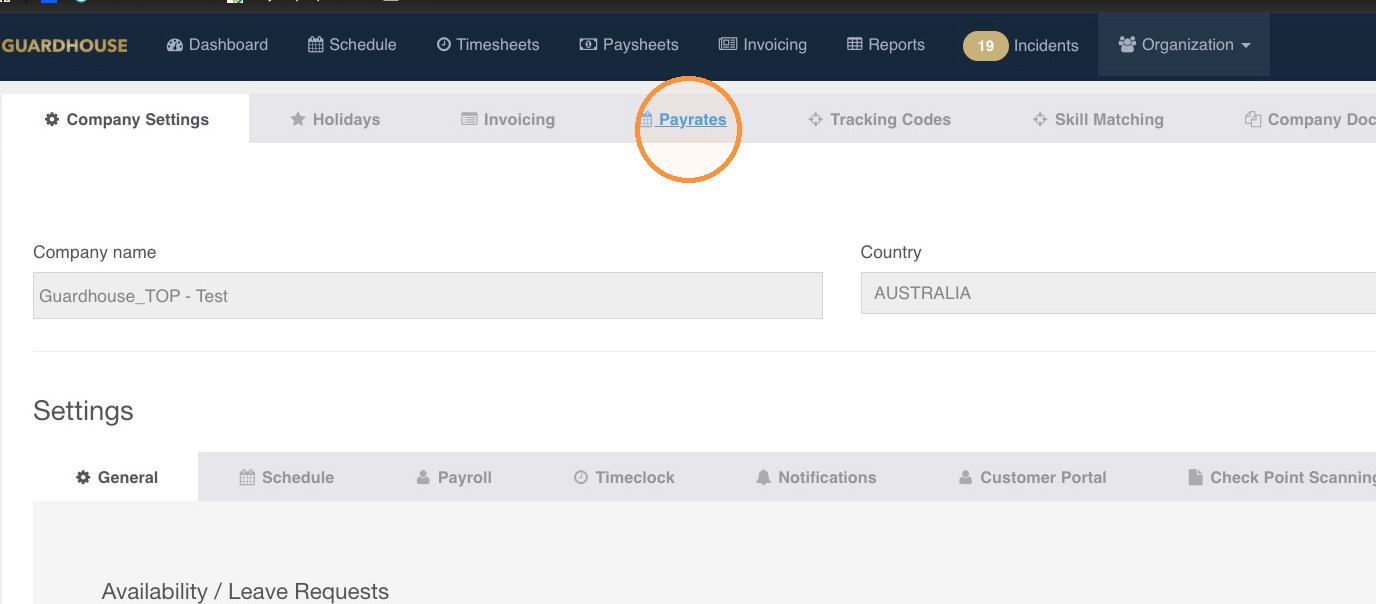
3. Open the Payrates settings.
4. Open Pay Categories.
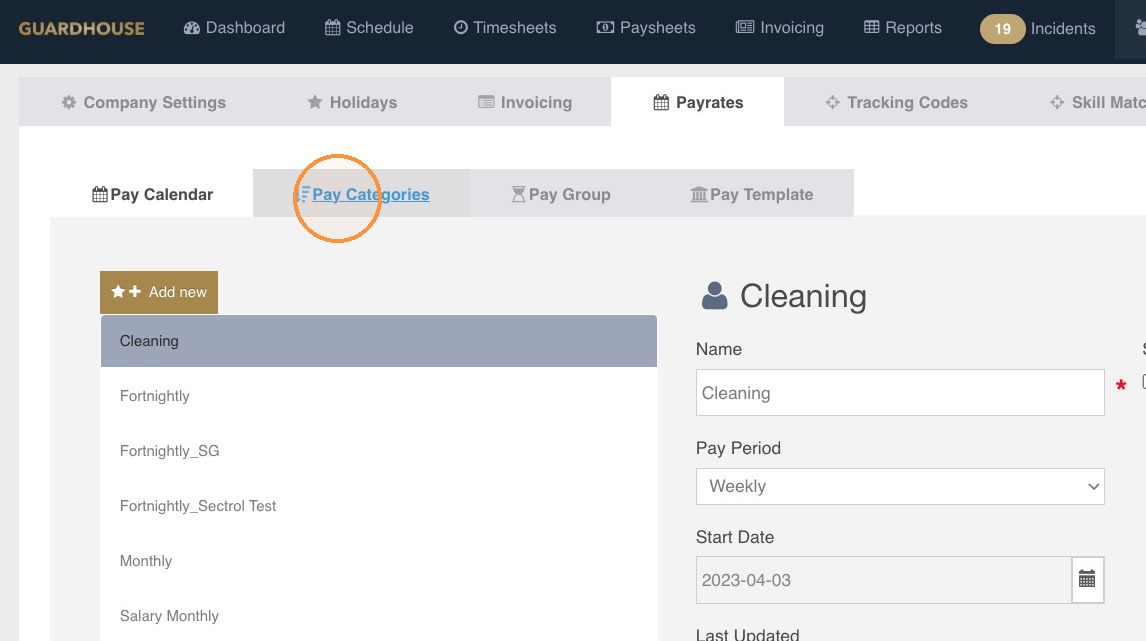
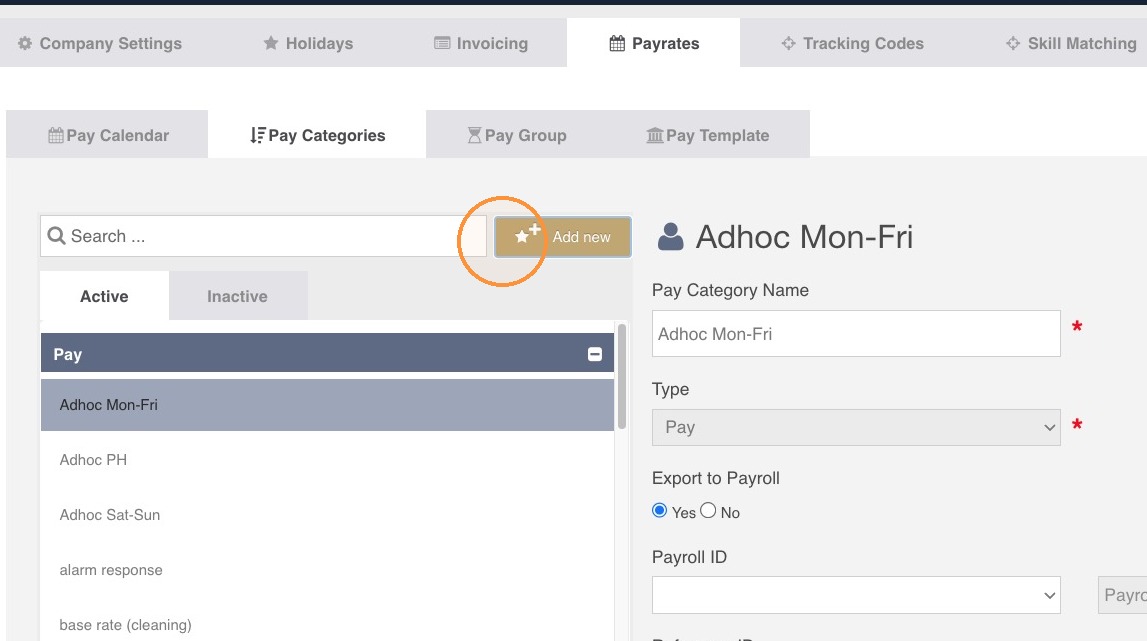
5. Click Add new.
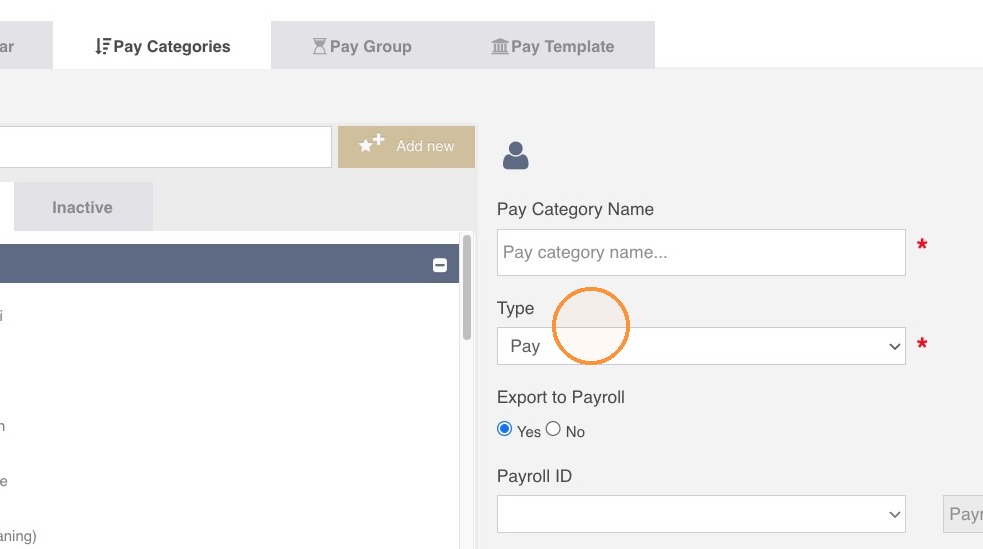
6. Go to the pay Type.
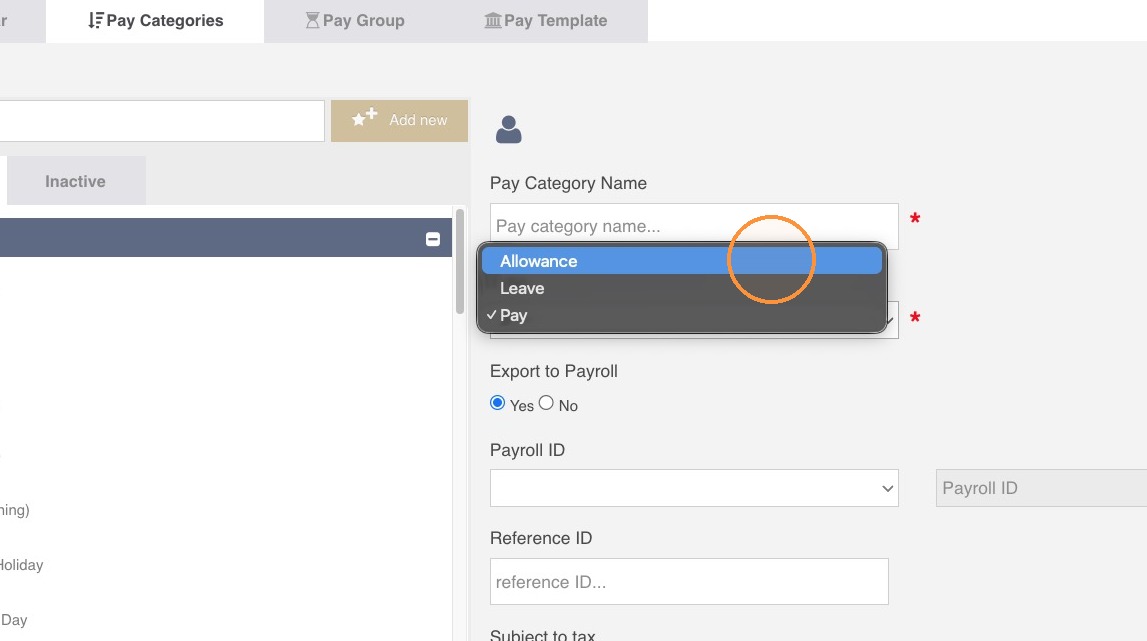
7. Select Allowance as the pay category type.
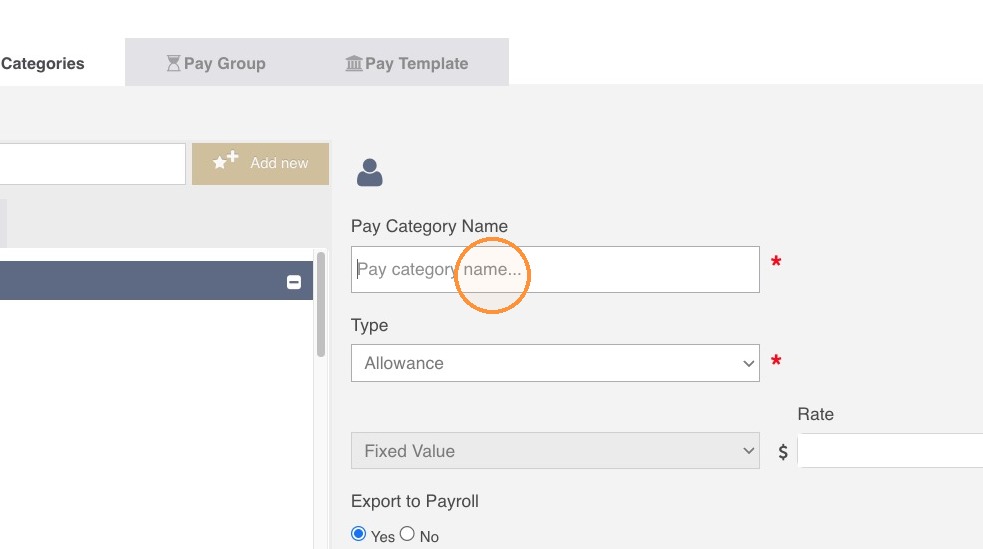
8. Put in the allowance name (ex: Broken Shift Allowance, First Aid, Travel, etc) on the Pay Category Name field.
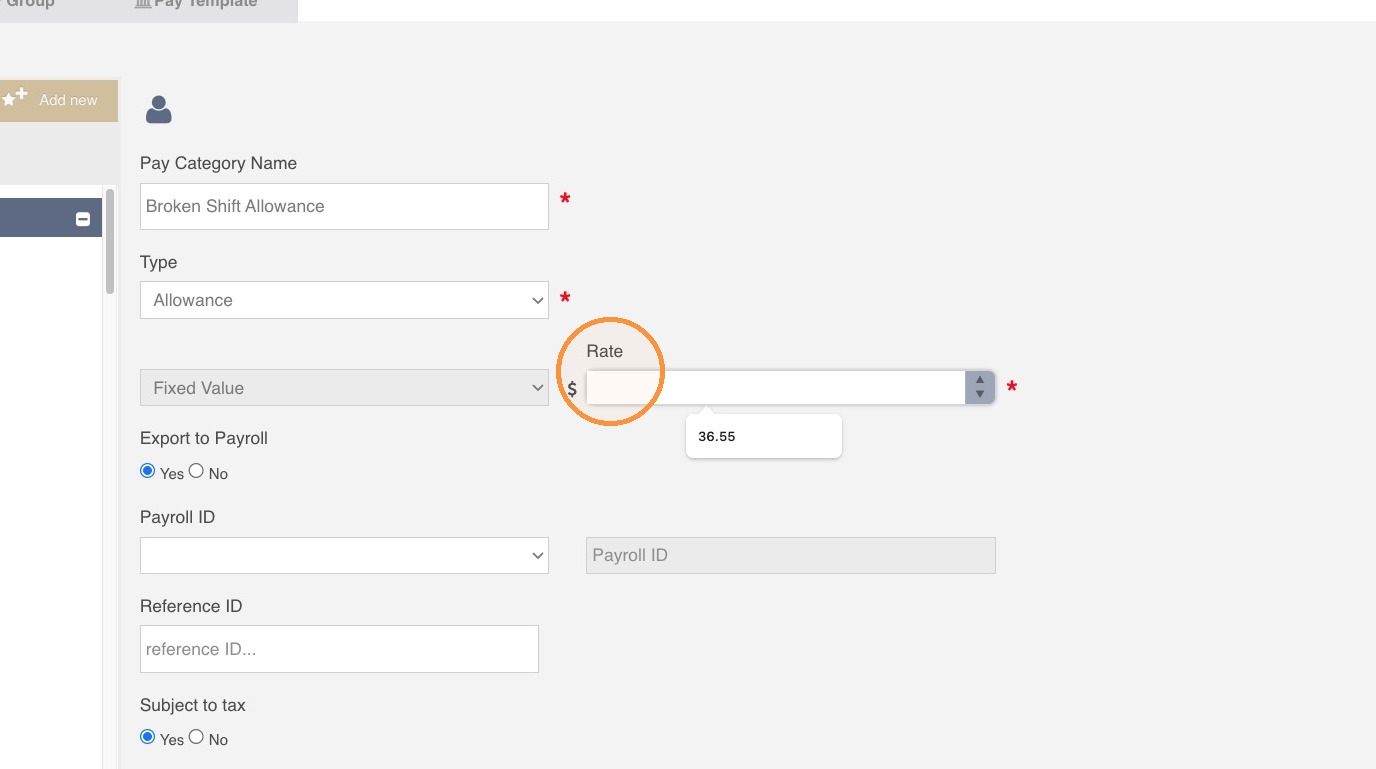
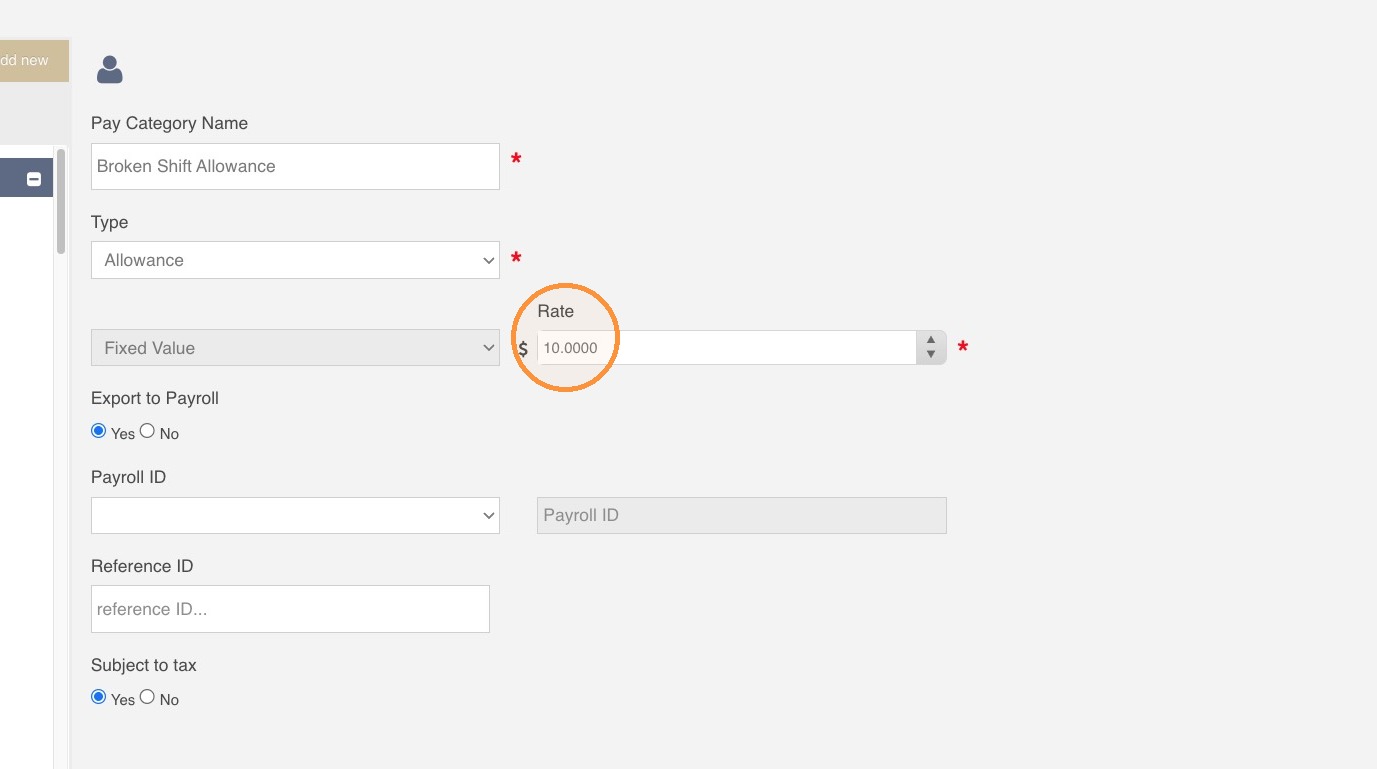
9. Set the allowance rate. You can set a fixed value or keep it at 0 and manually modify in the Schedule page when creating a shift or in the Timesheets section when approving timesheets.
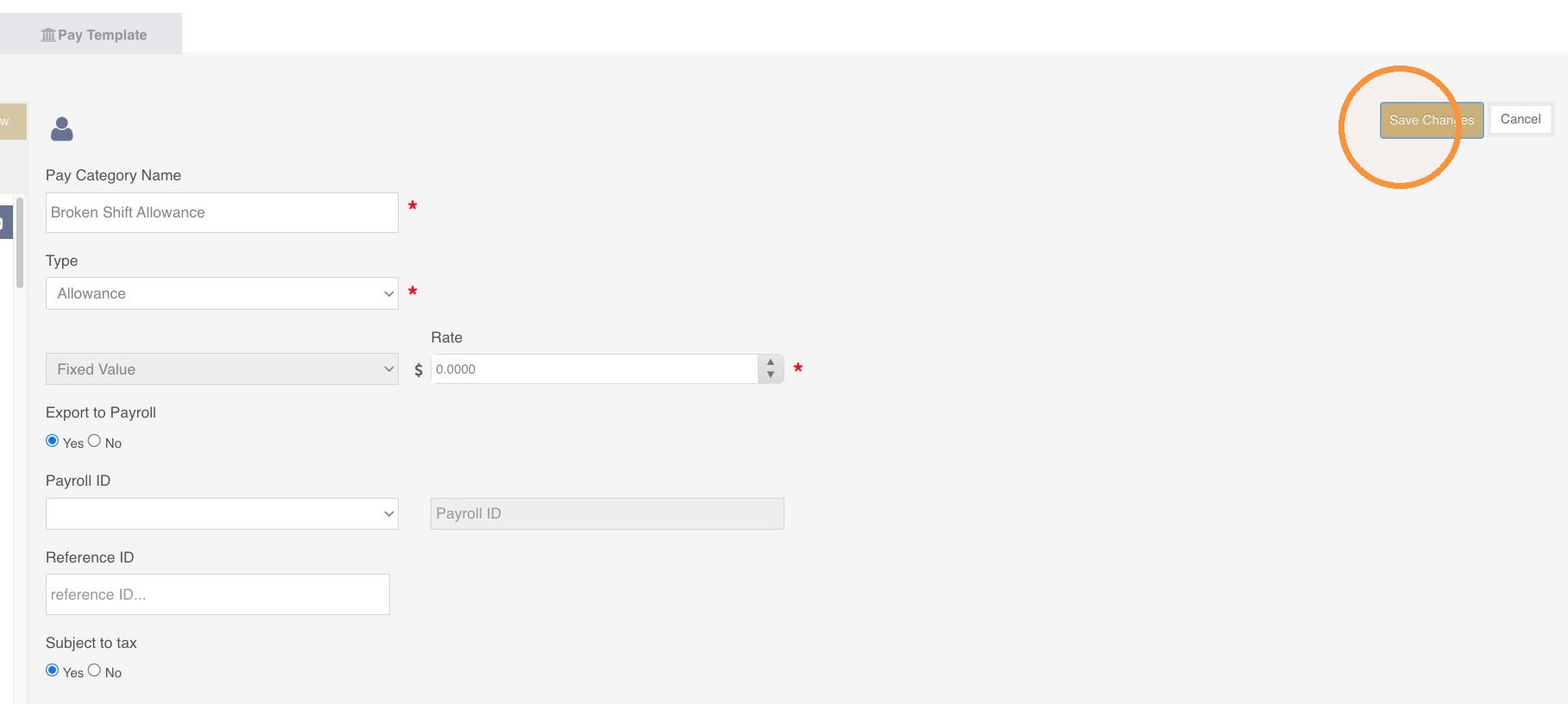
10. Click Save.
Adding an Allowance on the Schedule Page
11. On the Schedule page, create a shift as normal
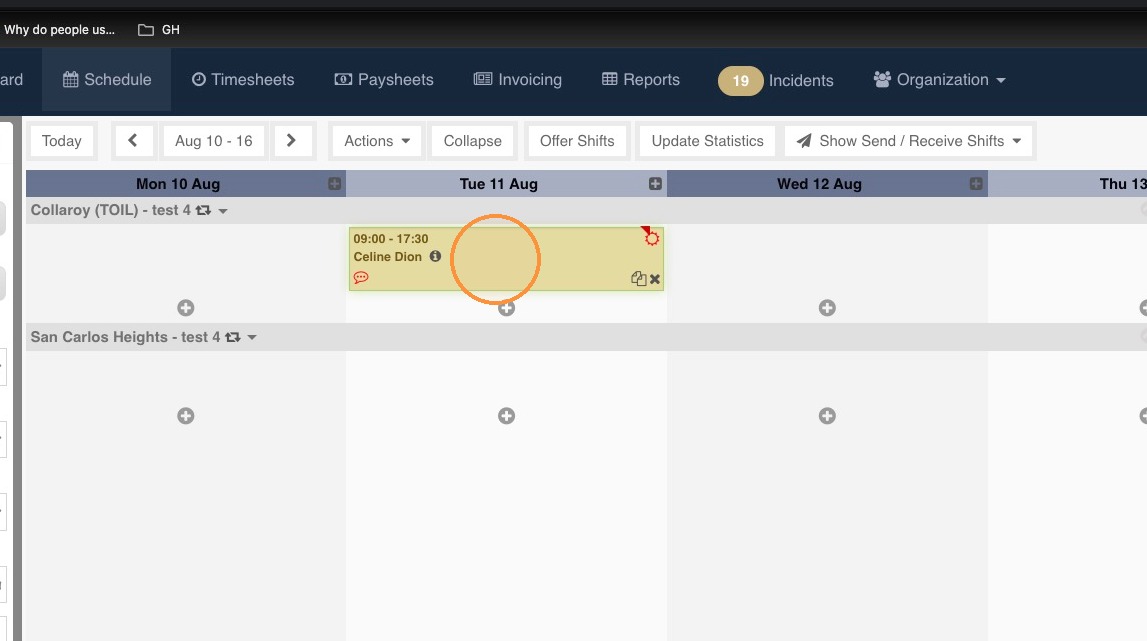
12. Allowances are added per shift in Guardhouse. Click on the shift you want to add an allowance to and hit Show rate details on the lower left hand corner of the Schedule page.
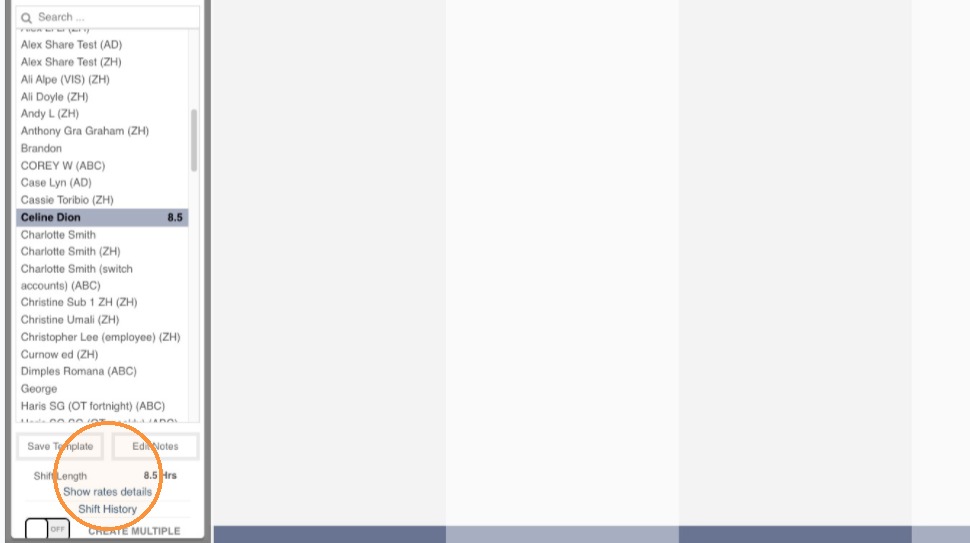
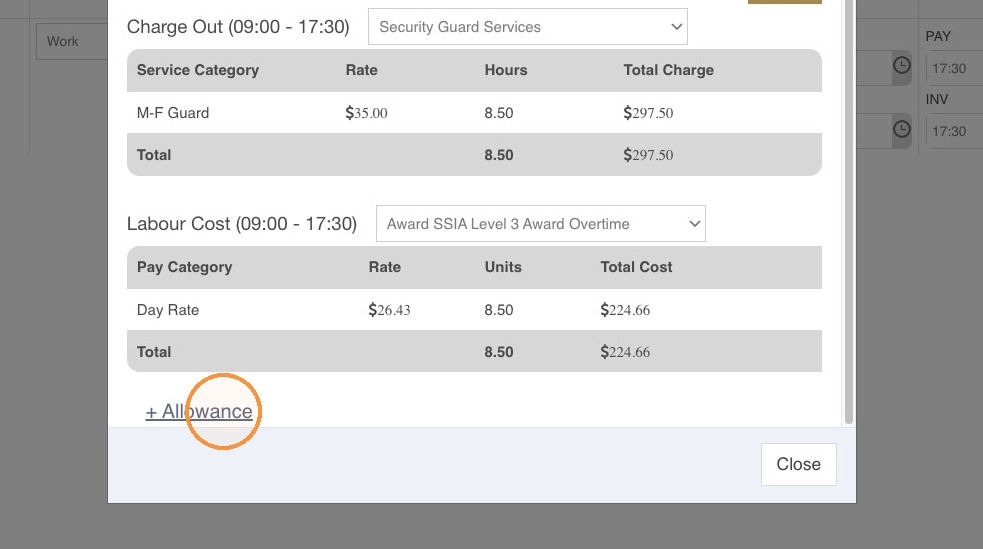
13. A widget will open that shows the Charge Out and Labour Cost. Click on +Allowance.
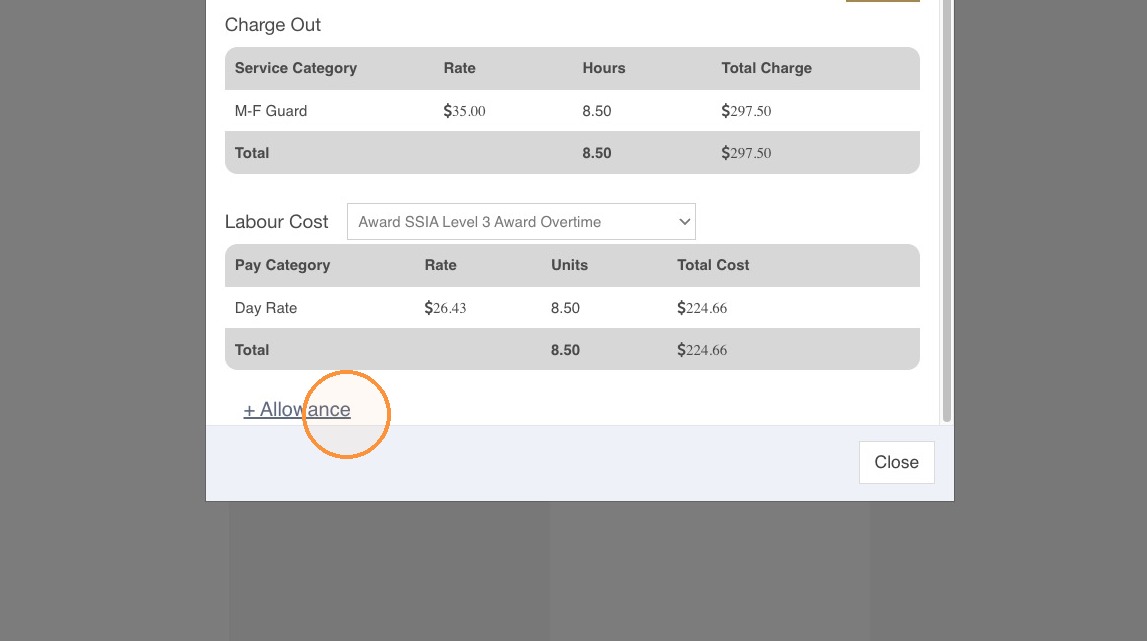
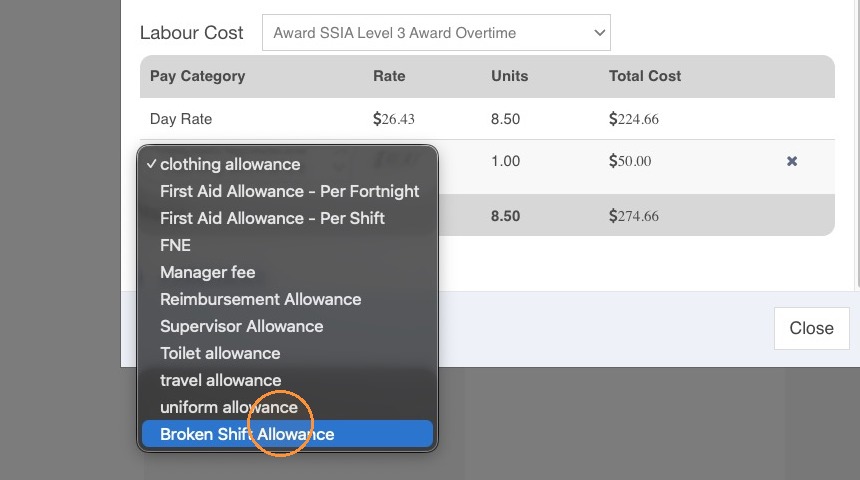
14. Click on the dropdown arrow to open the allowance opptions.
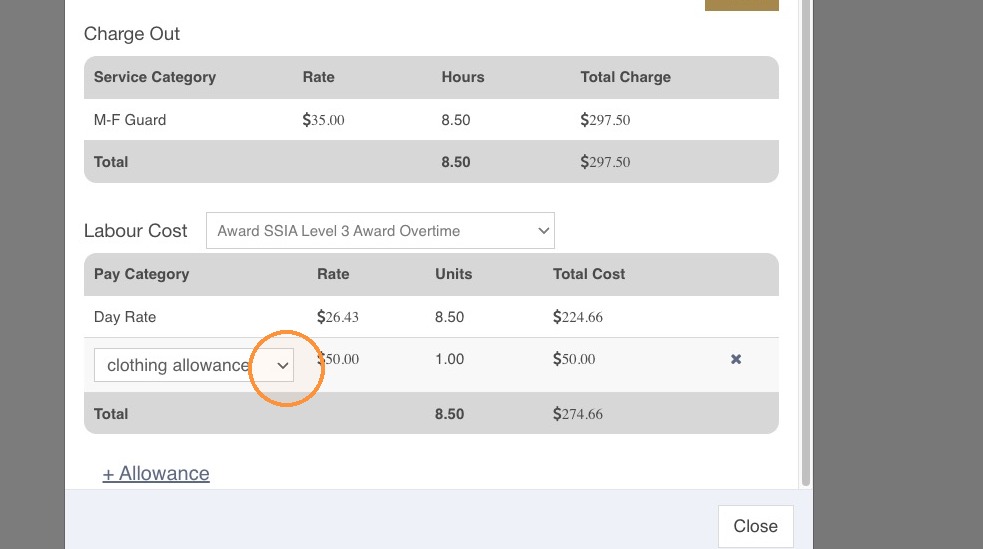
15. Select the appropriate allowance from the dropdown. Once added, you can modify the Rate and Units.
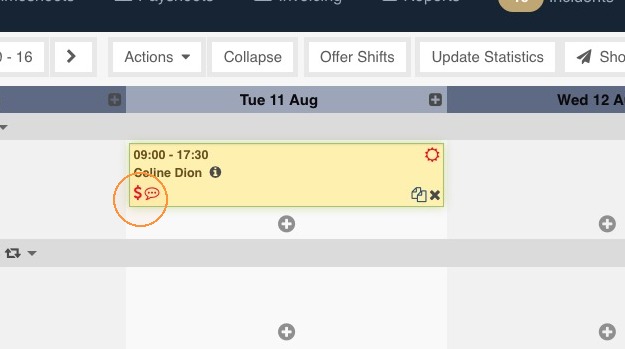
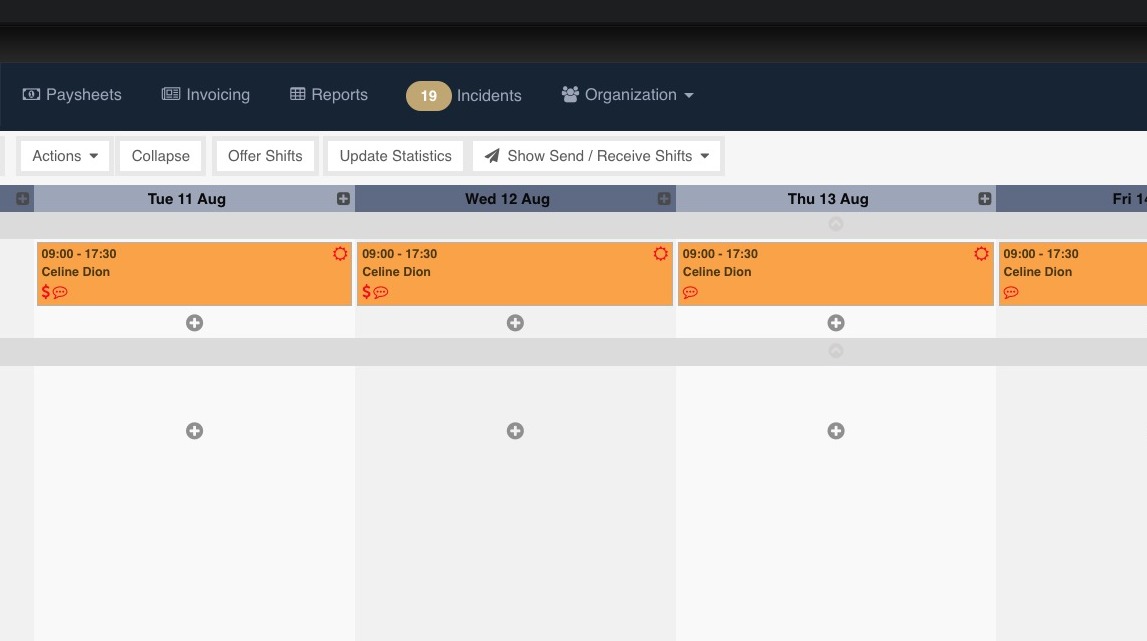
16. A dollar icon will show on the shift to indicate that the shift has an allowance.
17. Publish the shift as normal. Allowances added on the Schedule page will flow to the Timesheets section.
Adding an Allowance on the Timesheets Page
18. Open Timesheets and to to the Summary Column.
19. Click on Extras.
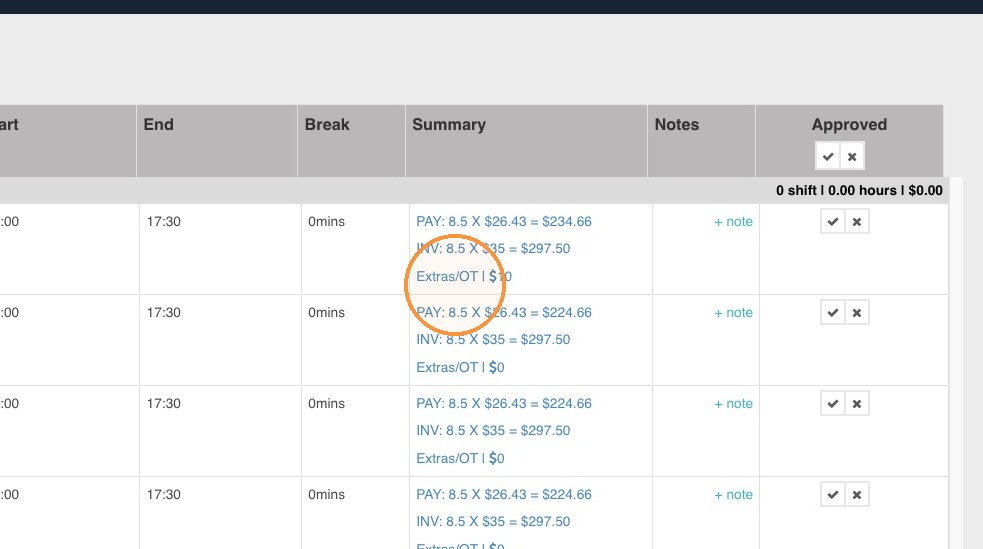
20. This will open a widget that shows the Charge Out and Labour Cost.
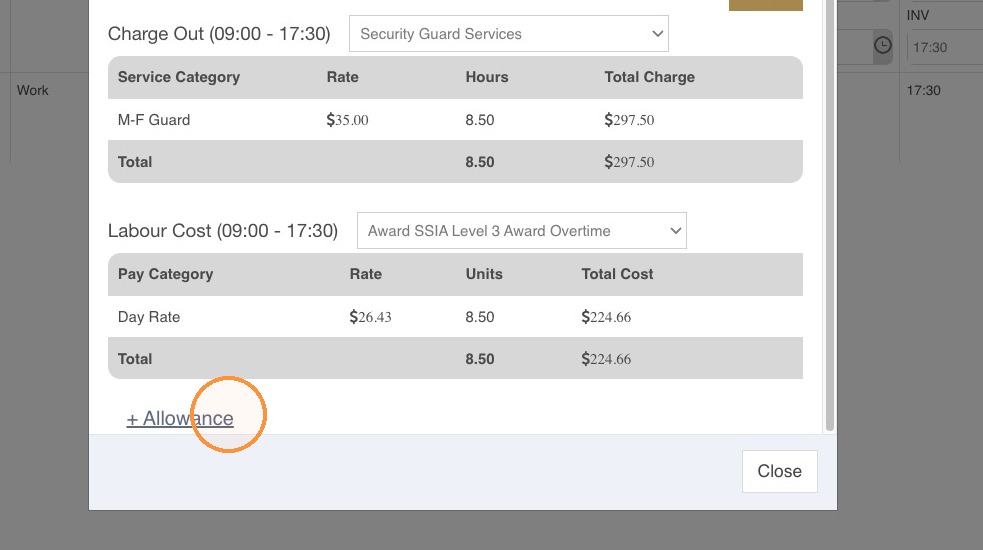
21. Click +Allowance and add the appropriate allowance to the shift.
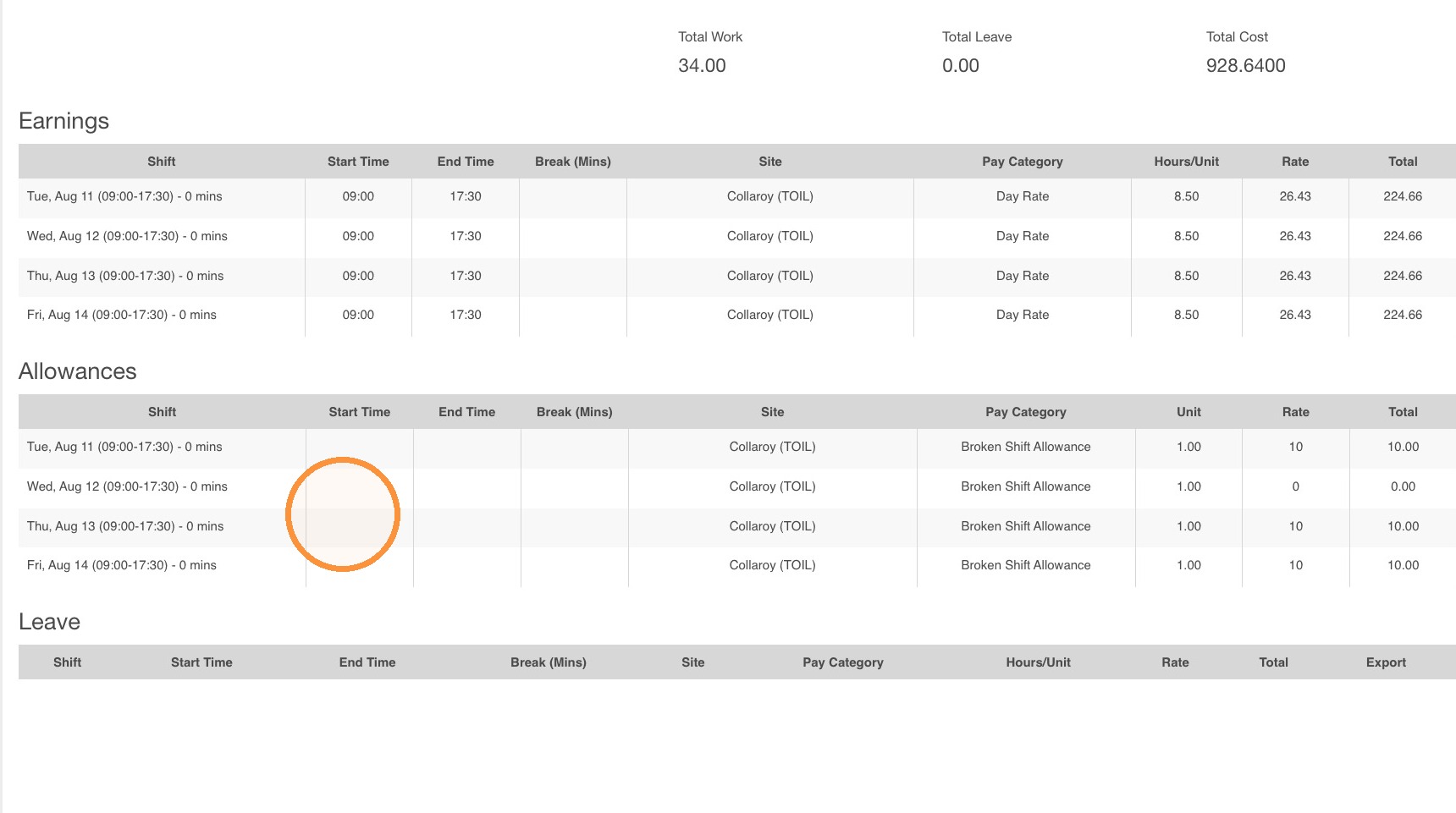
22. In the Paysheets section, allowances added on the Schedule and Timesheets section will show on the employee's pay details.
Copying Allowances on the Schedule page
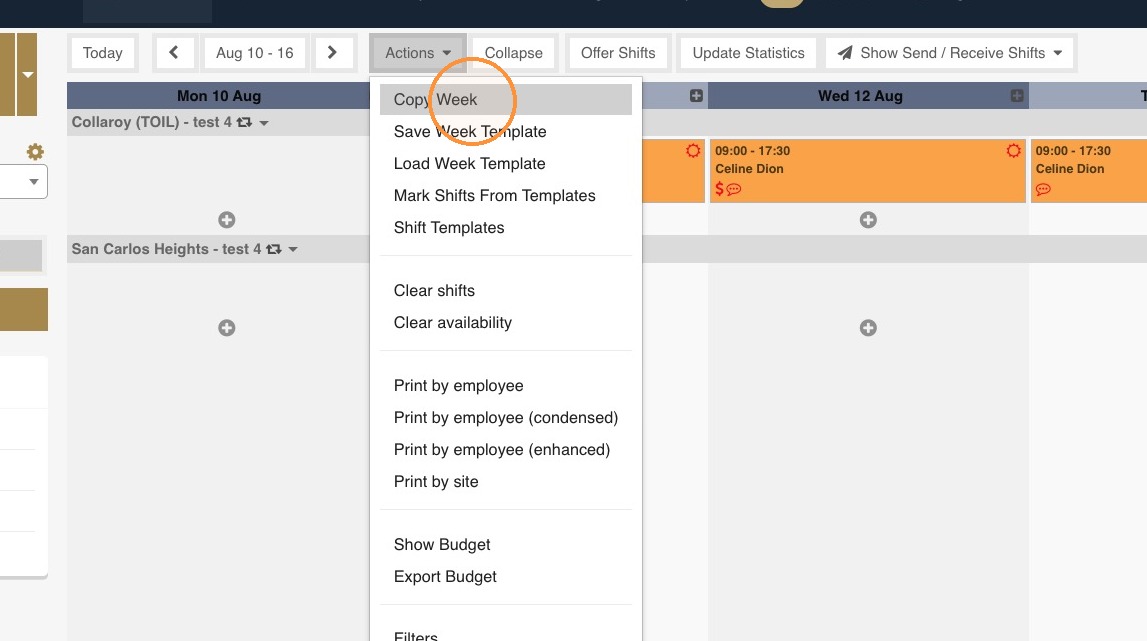
23. Once shifts are created and allocated shifts on the Schedule page, click on the Actions button.
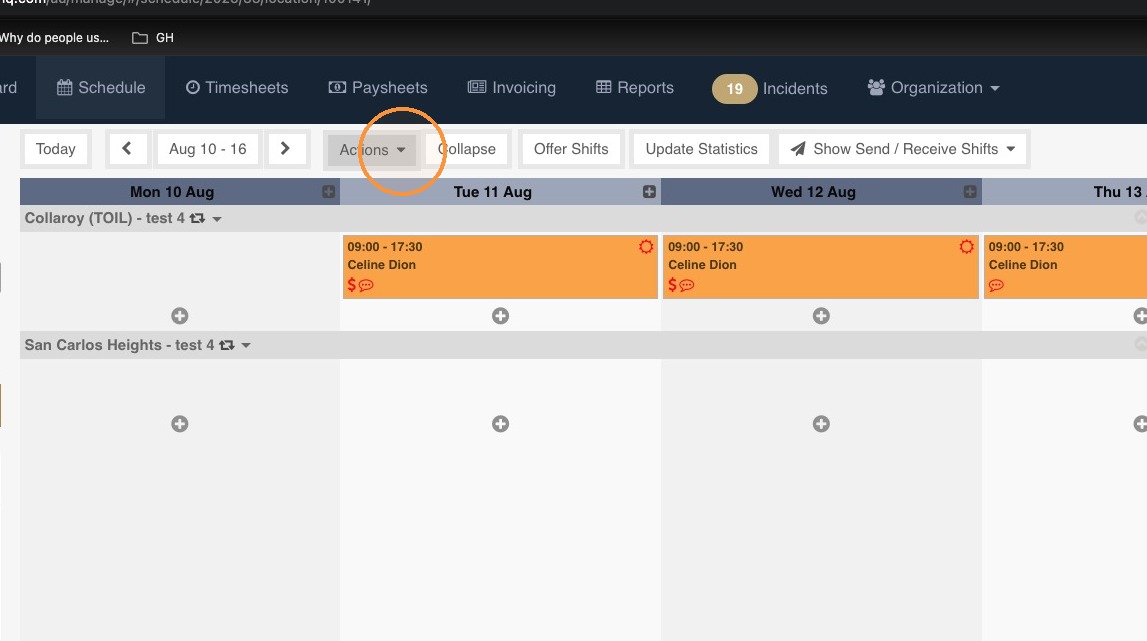
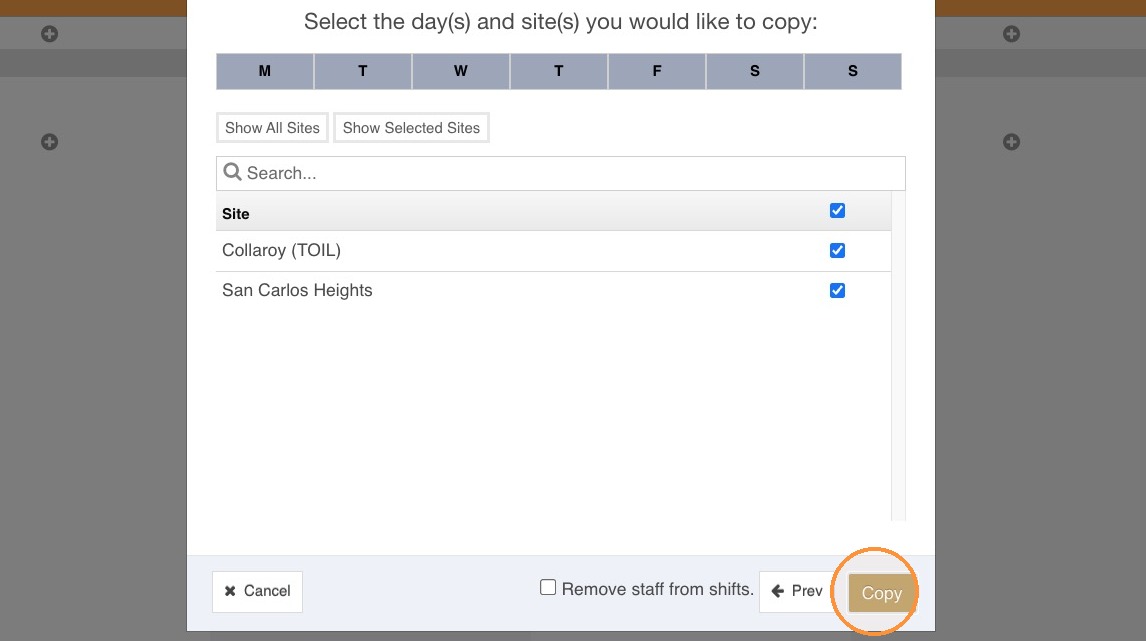
24. Open the Actions menu and select Copy Week.
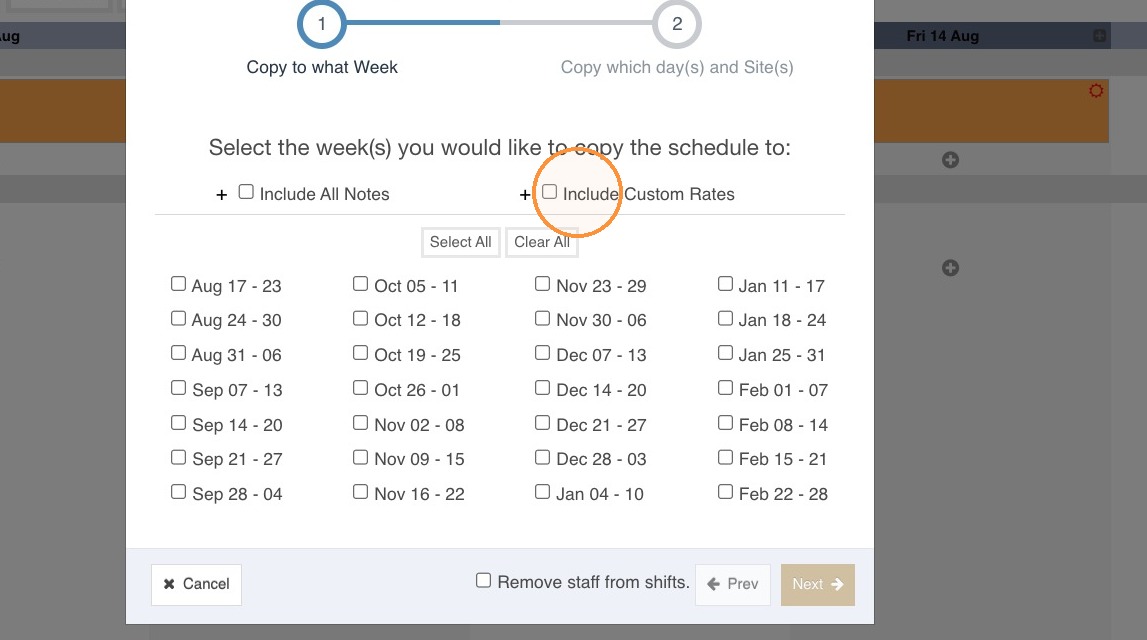
25. Tick on Include Custom Rates.
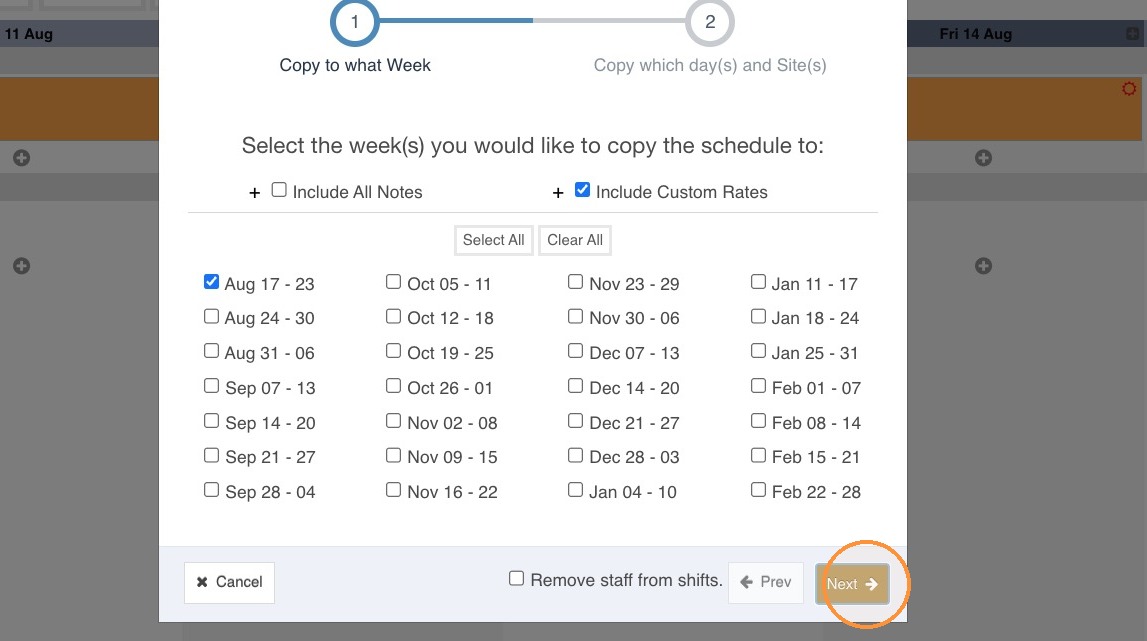
26. Select the dates you are copying the shifts to and then hit Next.
27. Select the site/s you are copying the shifts to and then hit Copy.