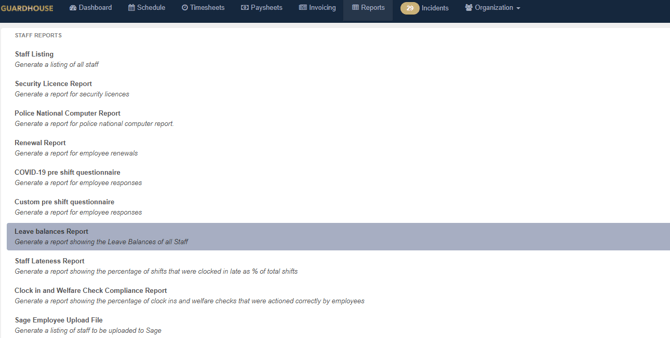
This report can be accessed and downloaded by going to Reports - Staff Reports - Leave Balances Report:
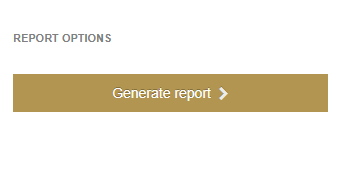
Once selected, a taskbar will pop up on the right hand side of the screen, allowing you to generate the report. This report generates for the company as a whole for the current leave year:
The report will have the generation date at the top as it is using current defaults and averages which can be updated for those on fixed leave and will vary for those on accrued leave:

The report will generate in alphabetical order of employee's names.
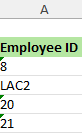
Column A shows the Employee ID:
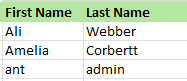
Column's B and C show the employee's first and last names:
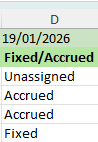
Column D shows the leave type the individual is assigned too; either fixed, accrued or unassigned (please note those on rolled up leave will not generate on this report):
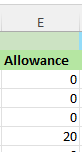
Column E shows the allowance for those on fixed leave and will be blank for those on accrued leave:
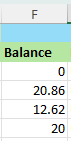
Column F shows the current balance for those on both fixed and accrued leave:
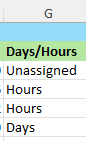
Column G shows Days/ Hours this will display as hours for those on accrued leave and days for those on fixed leave (anyone who is not assigned a leave category will display as unassigned):
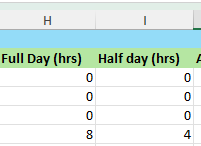
Column's H and I shows the Full Day and Half Day in Hours for those on fixed leave, which pulls off of the leave averages setup on the staff members profile:
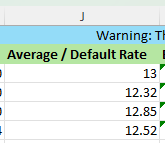
Column J shows the Average / Default Rate, for those on fixed leave, this is the current accrued leave average and for those on fixed leave, the current default rate on their pay template:
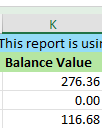
Column K shows Balance Value, this is the balance of hours remaining times their current average pay rate:
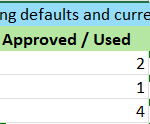
Column L shows Approved / Used Leave (Leave that has already been taken):
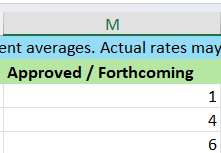
Column M shows the Approved / Forthcoming Leave (Leave that has been approved but is yet to be taken):
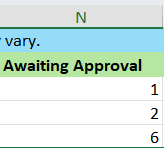
Column N shows the leave Awaiting Approval:
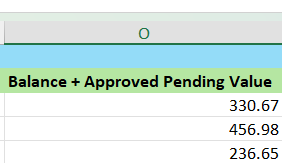
Column O shows the Balance + Approved Pending Value for a total value of estimated leave to be paid:
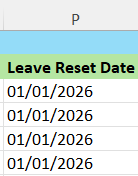
Column P shows the Leave Reset Date for the staff member: